
Role-based restrictions
Changes to the schemes can only be made by Webitel system users who have the appropriate access rights to the Admin panel.
Preliminary settings
Preliminary on the main IVR scheme, a check for an activated Calendar must be set up. If the Calendar is activated, the scheme will include a link to the emergency message scheme. Once the audio message from this scheme has been played, the main IVR branch will resume playing.
Step-by-step instructions
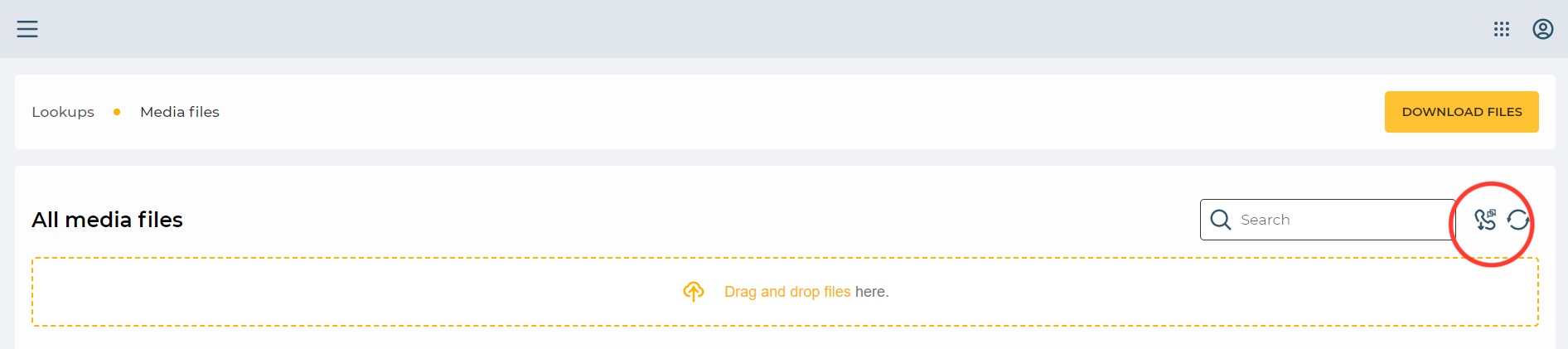
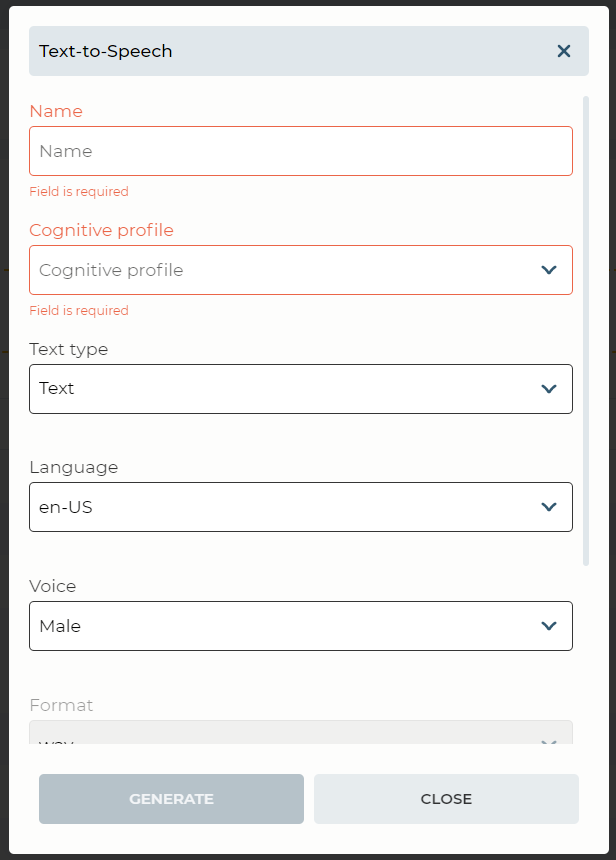
1. Generating an audio message to be played in critical situations before the main IVR scheme using the Text-To-Speech service. The operator creates a text message, then uses the available service to generate and save the audio message in WAV format.
Admin → Lookups → Media files
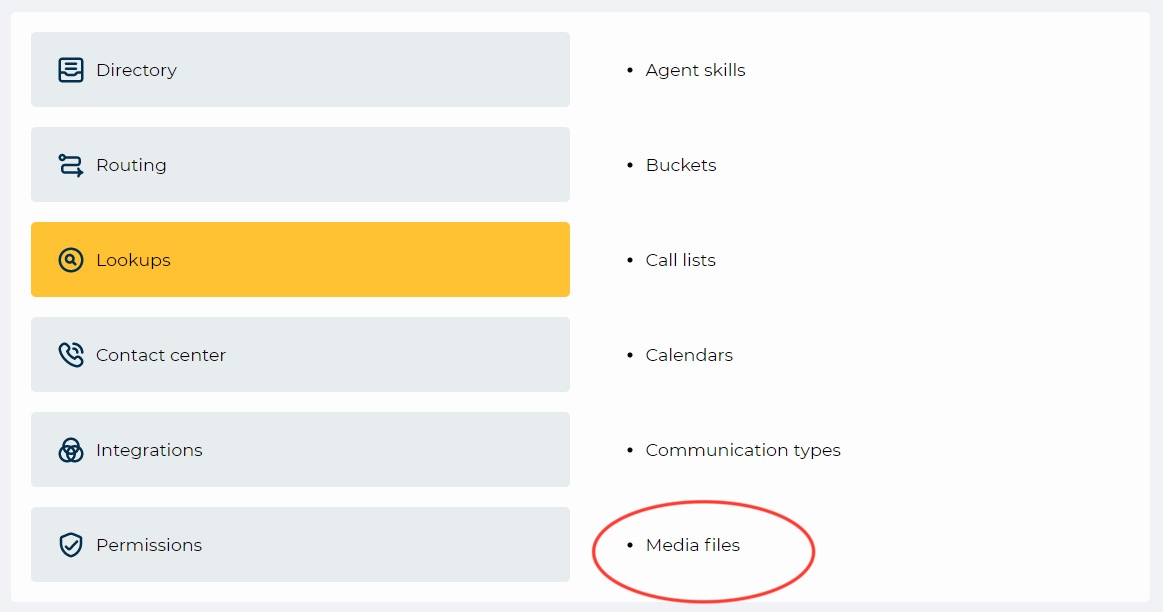
→ Text-to-Speech.
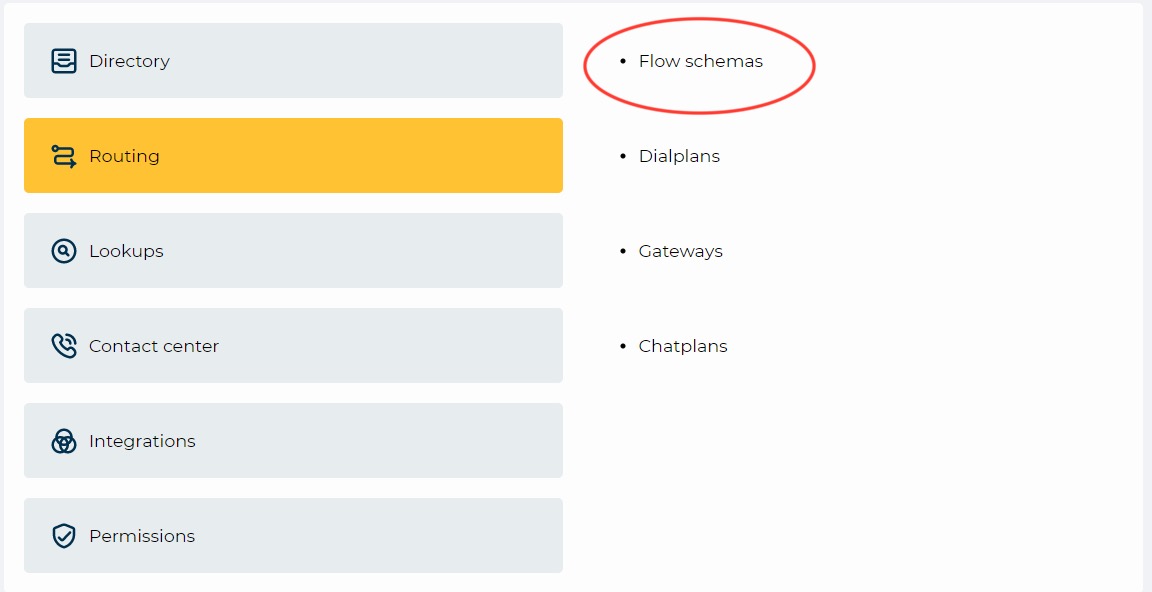
2. The system user accesses the emergency message scheme settings (function "Playback") and selects the previously generated audio message, then saves the changes. If any audio message is already added to the scheme, it needs to be removed and replaced with the new one. No changes are made to the main IVR scheme.
Admin → Lookups → Flow Schemas
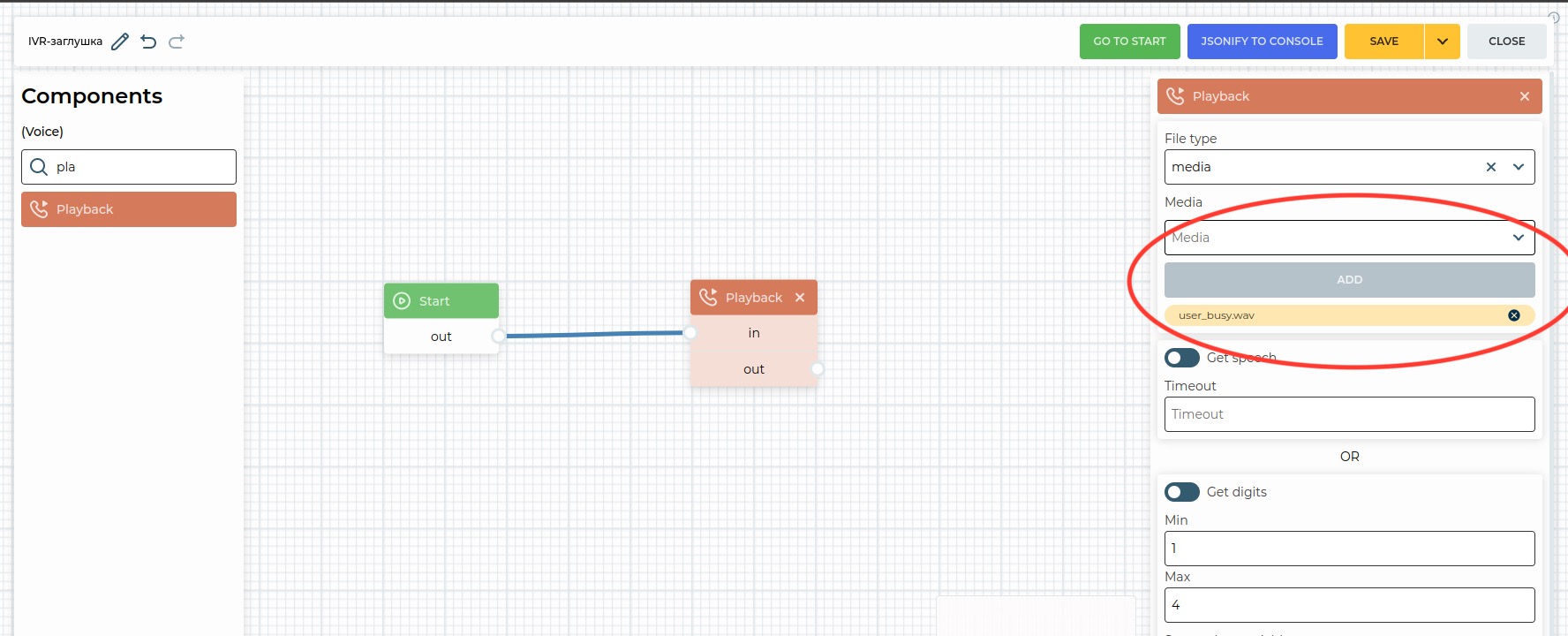
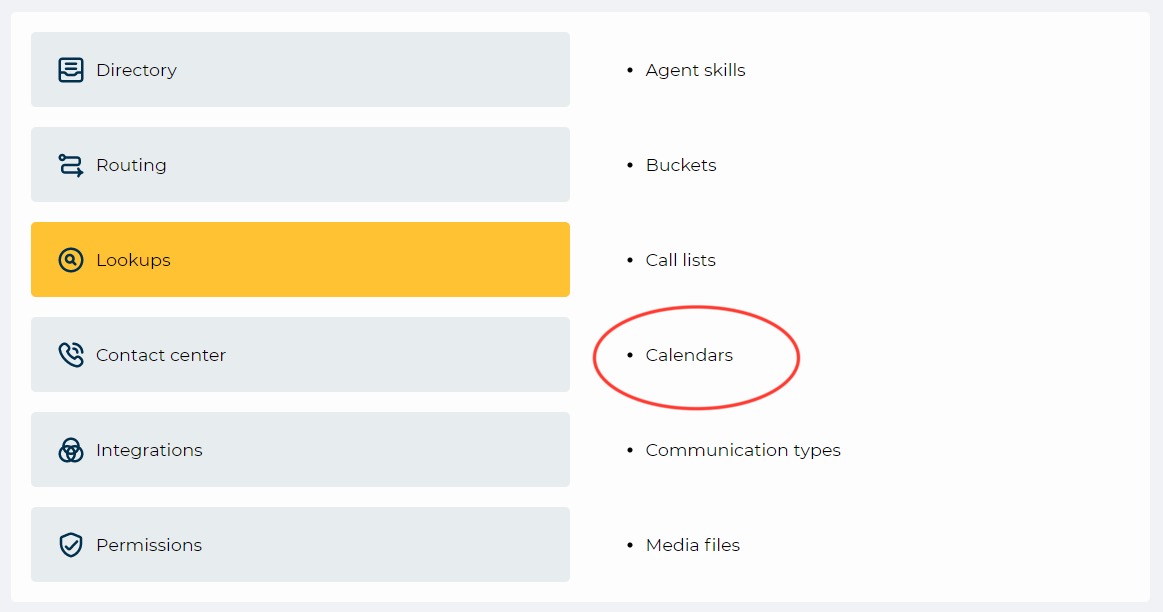
3. The user navigates to the "Calendars" section in the Admin panel, selects the Calendar for the emergency message scheme, configures it, and activates it according to the needs.
Admin → Lookups → Calendars
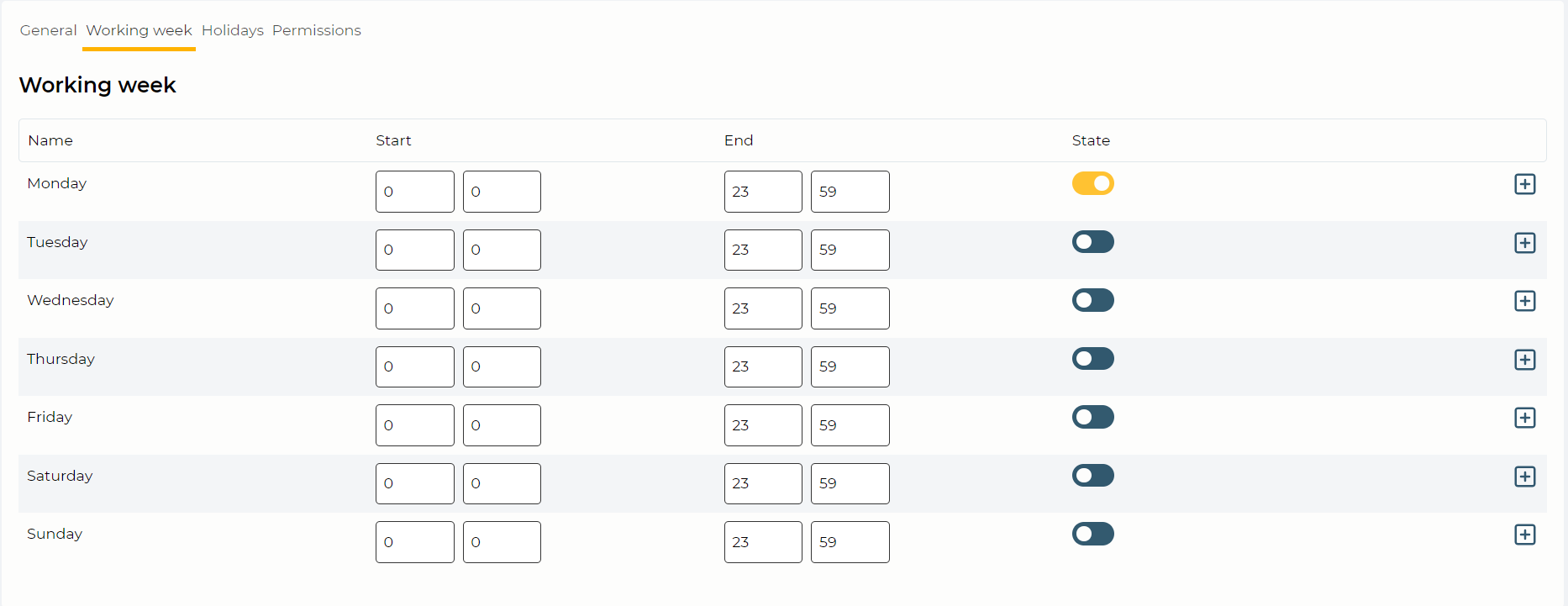
If there is a need for early deactivation of the emergency message scheme, the user must go to the Calendar in the Admin panel and deactivate the previously enabled Calendar for this scheme.