Webitel: Documentation

Google Text-to-Speech

In order to obtain an API key to the Google speech recognition or synthesis , you need to complete the following steps:

1. Create a new account in Google Cloudhttps://console.cloud.google.com/

2. Create a new project: https://console.cloud.google.com/projectcreate
https://webitel.atlassian.net/wiki/download/thumbnails/21307214/image2024-2-7_11-57-16.png?version=1&modificationDate=1707299837394&cacheVersion=1&api=v2&width=450&height=301
3. Add a payment method under Billing menu: https://console.cloud.google.com/billing/


https://webitel.atlassian.net/wiki/download/thumbnails/21307214/image2024-2-7_11-58-17.png?version=1&modificationDate=1707299898836&cacheVersion=1&api=v2&width=400&height=158

4. Open the API & Services menu:

https://webitel.atlassian.net/wiki/download/thumbnails/21307214/image2024-2-7_12-0-54.png?version=1&modificationDate=1707300054806&cacheVersion=1&api=v2&width=400&height=360

5. Enable the required API: https://console.cloud.google.com/apis/library :

https://webitel.atlassian.net/wiki/download/thumbnails/21307214/image2024-2-7_12-1-48.png?version=1&modificationDate=1707300109692&cacheVersion=1&api=v2&width=400&height=127

6. Under the Credentials (1) menu create a new API key (3):
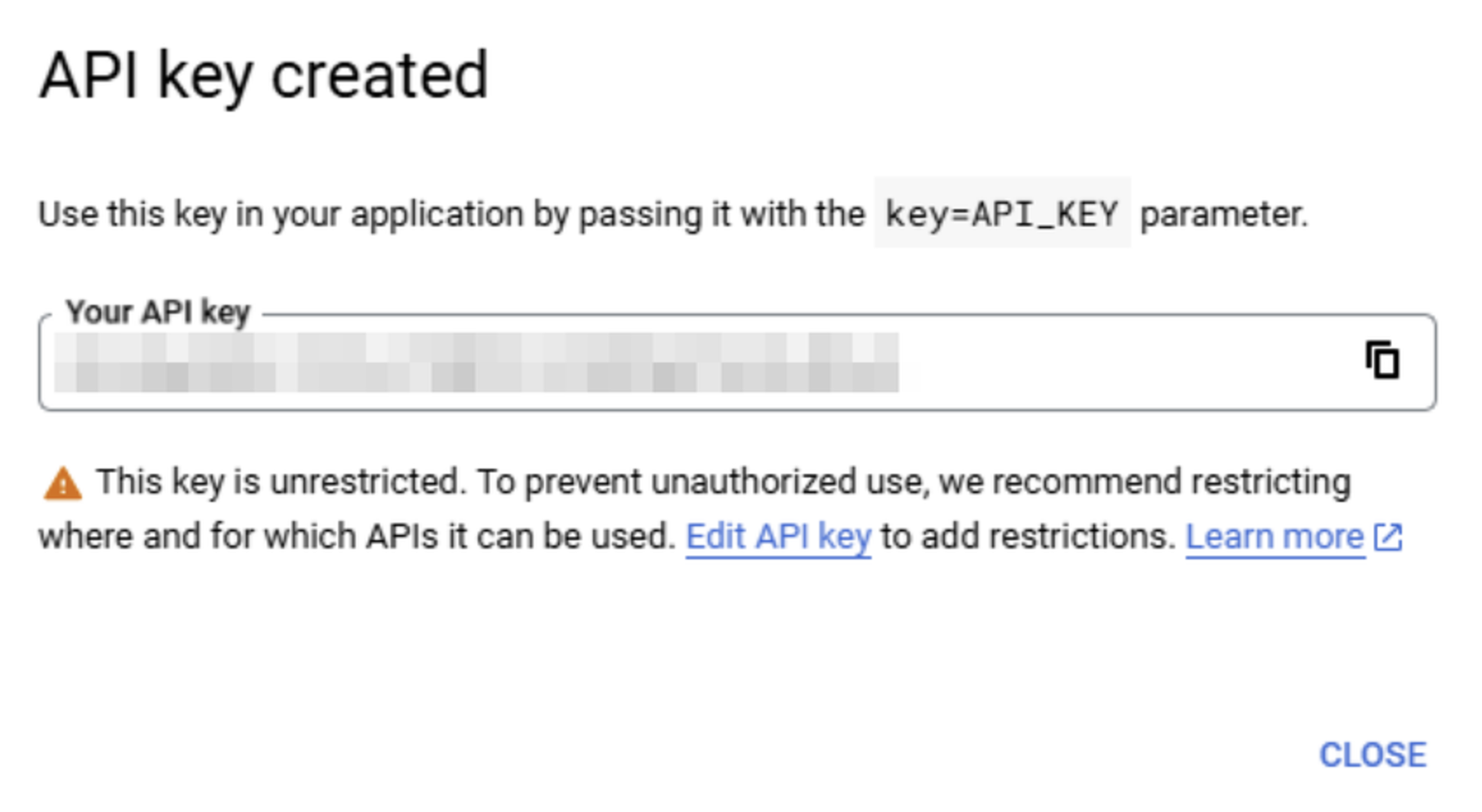
 

image-20241220-111807.png

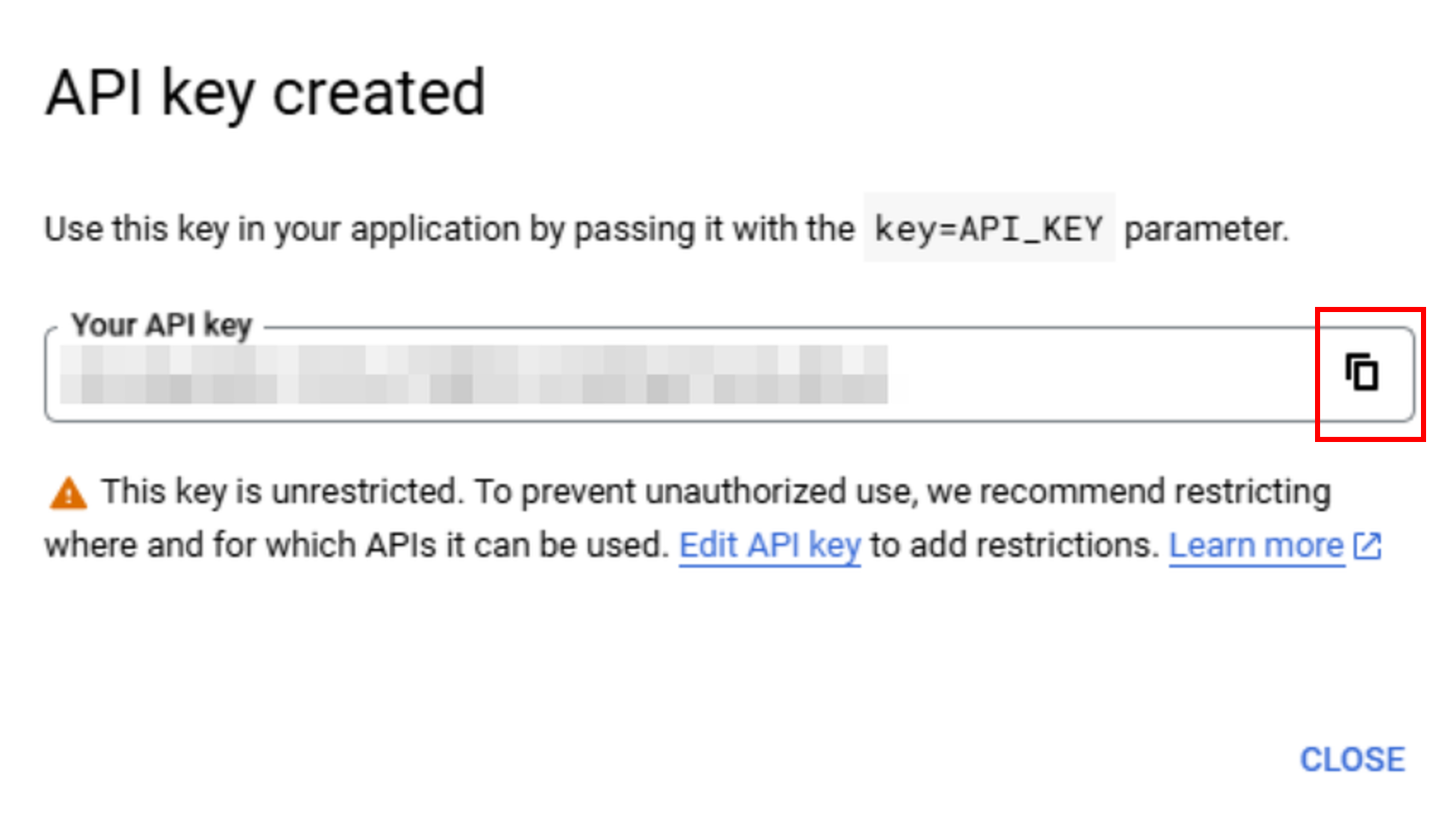
7. Copy your API key:

image-20241220-111556.png


The key you just generated will be used in Webitel Callflow.