1. Description
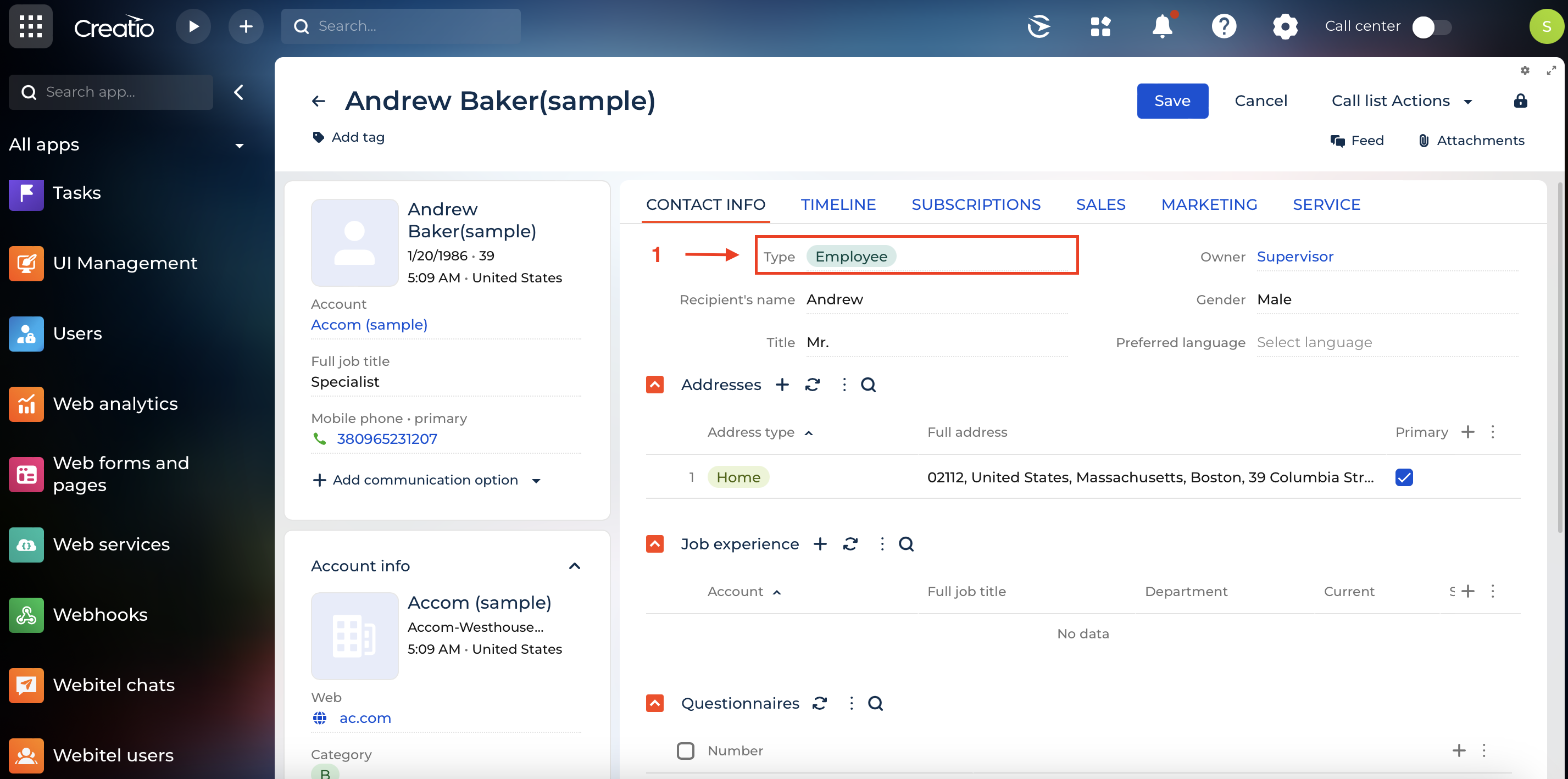
This section describes the algorithm for identifying a subscriber in the CTI panel at the incoming call stage (1) (Fig. 1)
2. The process of identifying a Contact
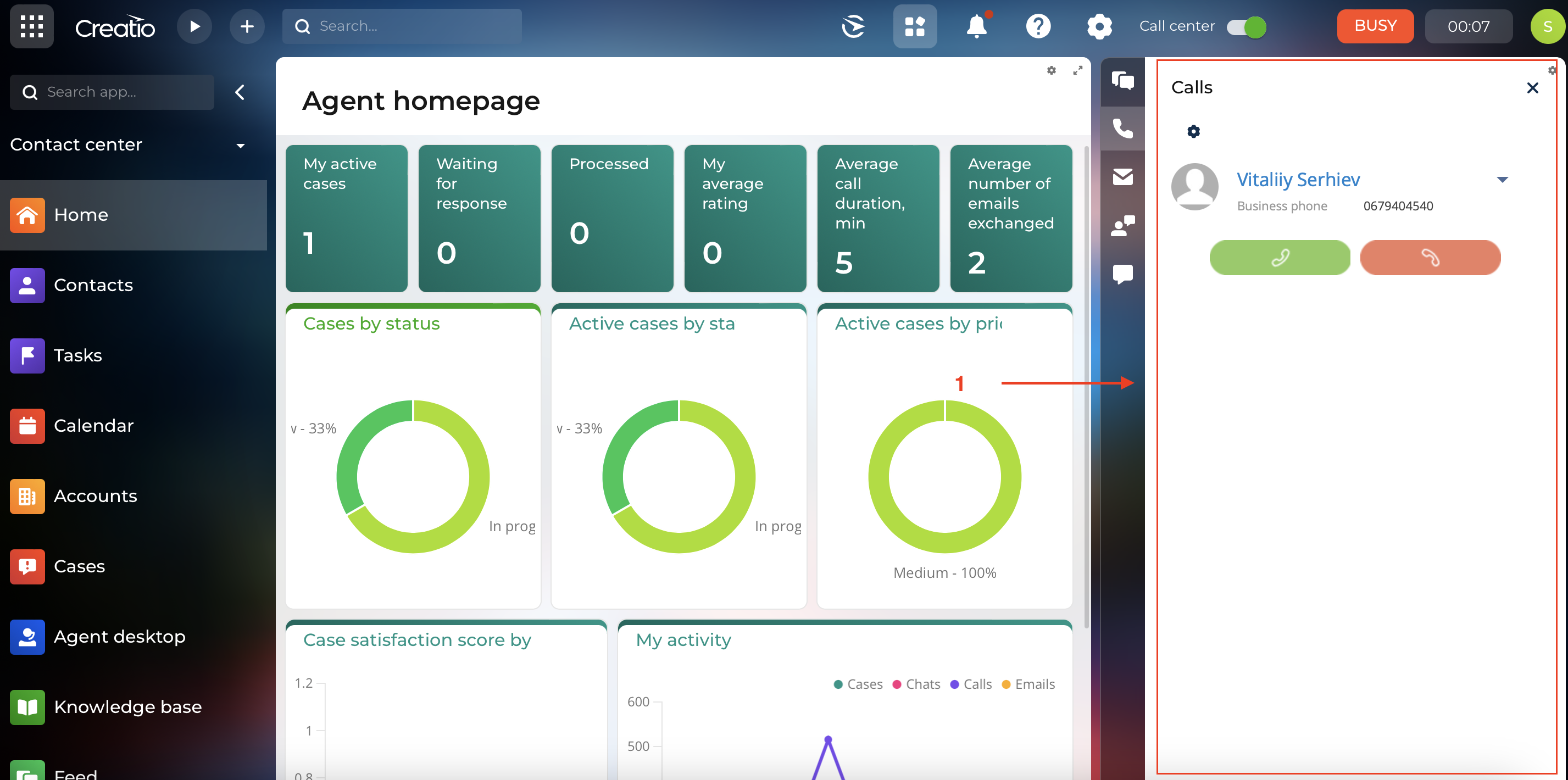
The client is searched for using numbers saved in the “Communication Tools” (1) of the Contact (Fig. 2).
The system searches for the client by the numbers stored on the Contact's "Communication options" detail (2) (Fig. 2). The identification process is as follows:
-
System searches by client's phone number:
-
If it is an extension number, the system looks for a Contact with the exact phone number.
-
If it is not an extension, the system looks for matches by the Contact's numbers, starting with the last digits of the phone numbers.
-
-
The search is carried out by the filter — the type of Communication options:
-
Alternative phone
-
Mobile phone
-
Other phone
-
Home phone
-
Main phone
-
Business phone
-
Extension phone
-
Fax
-
Webitel extension
-
other possible phone numbers, that are listed in Communication options
-
3. Notes
-
The internal number is determined by its length. The length of the internal number is specified in the system setting: Code="InternalNumberLength".
-
The search is also controlled by changing the value of the system setting "SearchNumberLength". Its value is the number of characters by which the number is cut off from the end before performing the search.
-
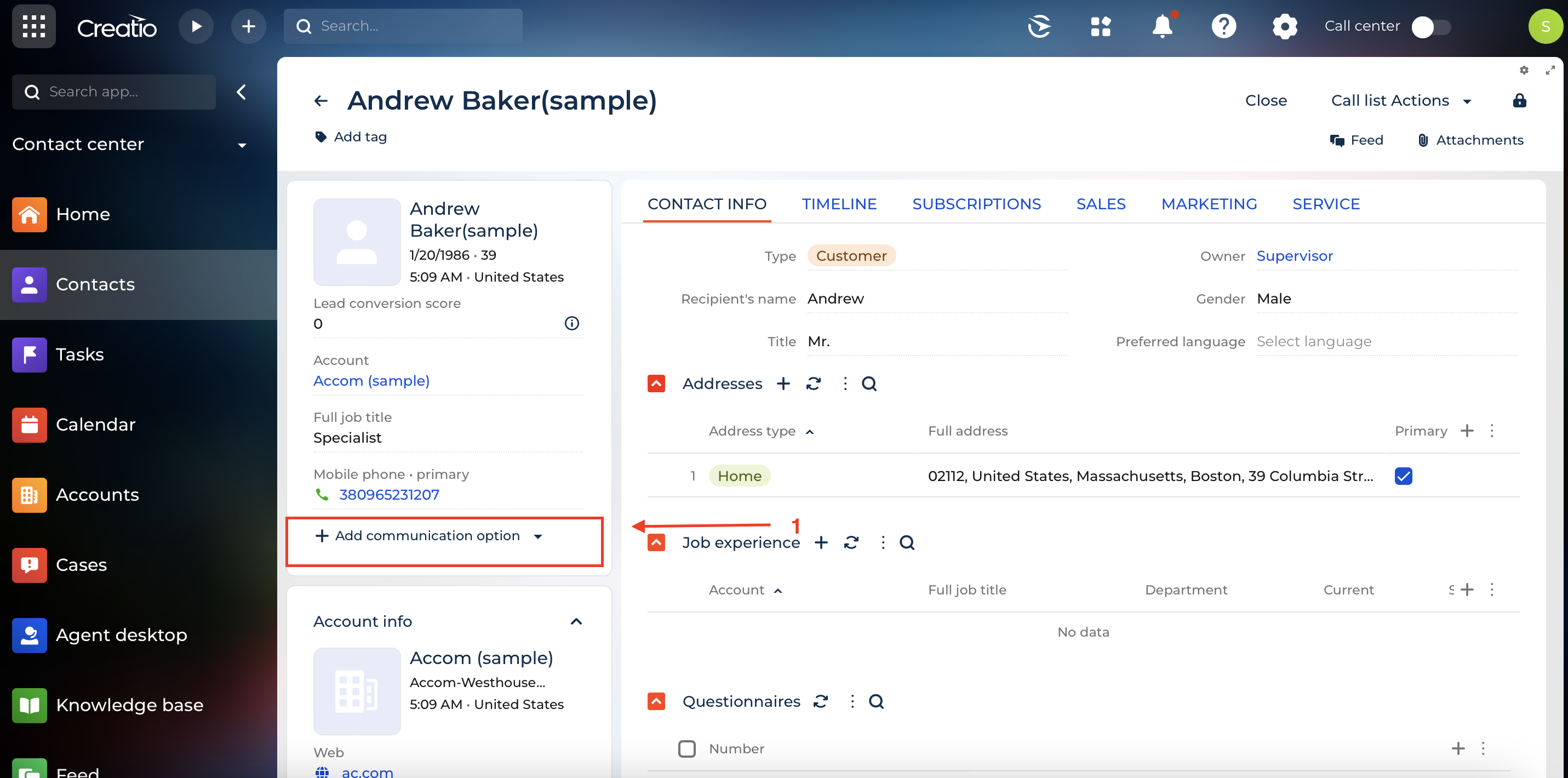
If the phone number is internal, then the system checks the Contact type. The contact must have a Creatio account, or the Type field on the Contact card must have the value "Employee" (1) (Fig. 3).