
1. Description
Designed for configuring the main user parameters.
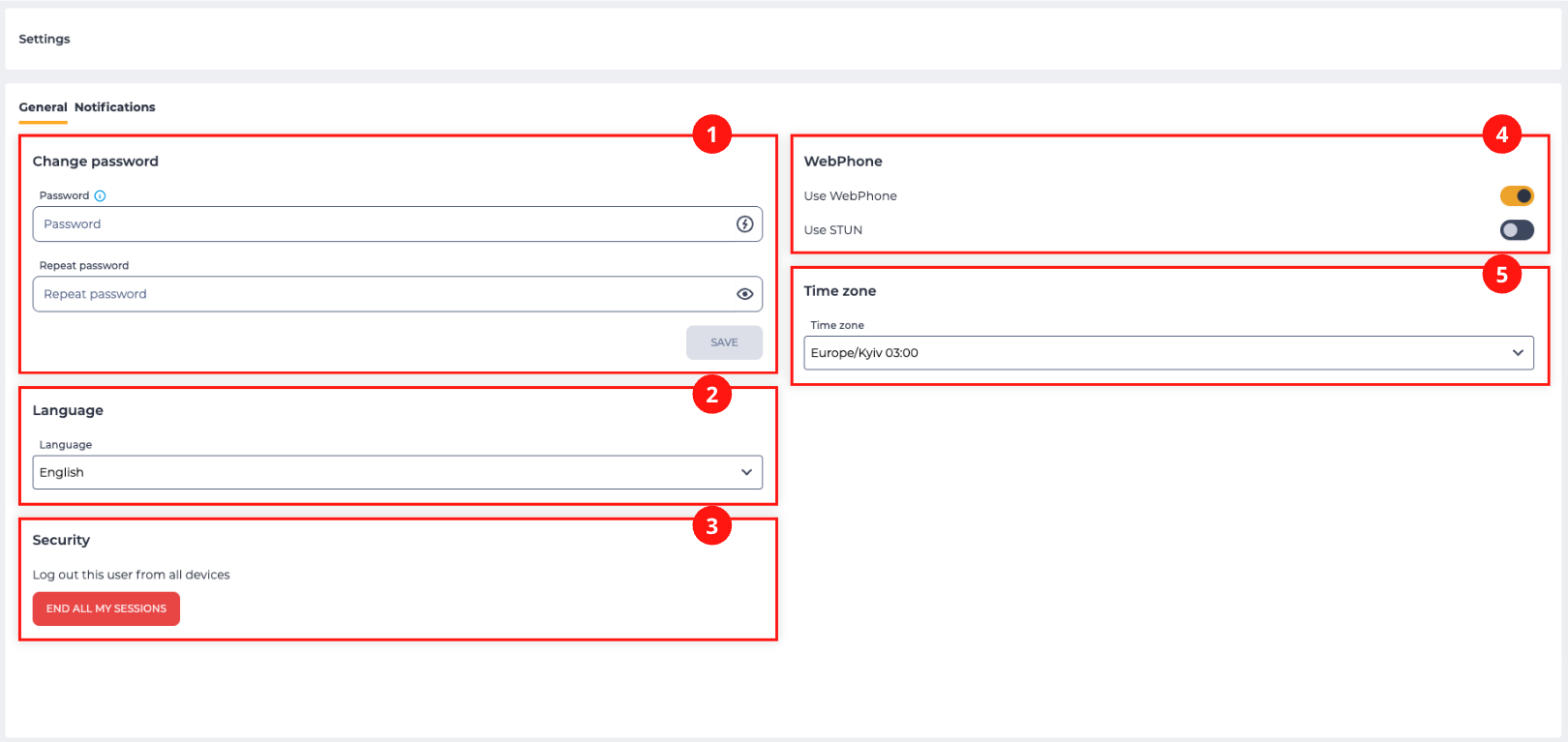
Contains the following blocks:
-
Change password (Fig. 1.(1));
-
Language (Fig. 1.(2));
-
Security (Fig. 1.(3));
-
WebPhone (Fig. 1.(4));
-
Time zone (Fig. 1.(5)).
1.1. Change password
To change the password for the user currently logged into the system, enter a new password in the Password field and confirm the input in the Repeat password field.
The values entered in the Password and Repeat password fields must match.
After entering a new password, click the Save button.
The Password field contains additional tools:
-
copy icon

-
password generation icon

The Repeat password field contains a view icon 

1.2. Language
To change the interface localization, click the Language field and select the required option from the list.
1.3. Security
The End all my sessions button is used to terminate all active user sessions (including the current session) on all devices.
Note! The Security block is displayed only for users who have permissions to manage users.
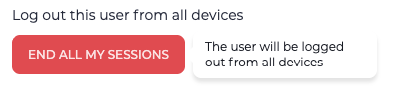
When hovering over the button, a tooltip is displayed: The user will be logged out from all devices (Fig. 2).
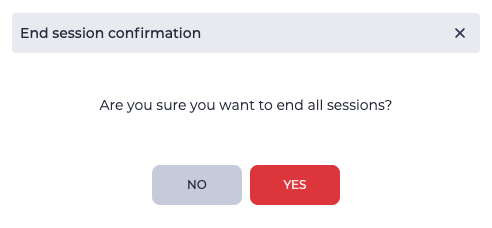
When the button is clicked, a confirmation modal window opens (Fig. 3), which contains:
-
close icon

-
No button — closes the modal window without changes;
-
Yes button — terminates all user sessions.
1.4. WebPhone
The Use WebPhone switch is used if SIP is registered and it is required to use a SIP phone.
The Use STUN switch controls the use of STUN. In Webitel, the server stun:stun.l.google.com:19302/ is used.
STUN (Simple Traversal of UDP through NATs) is a network protocol that allows a client located behind a network address translation server (or multiple such servers) to determine its external IP address, the method of address and port translation in the external network, and its association with a specific internal port.
1.5. Time zone
In this block, the user can select a time zone that will be applied to all system interfaces displaying date and time.
To change the time zone, click the Time zone field and select the required value from the list.
The default value is the time zone determined by the user’s browser.
After selecting a value, all interfaces displaying date and time (Work Log, Call history, Cases, Analytics, etc.) are automatically updated according to the selected time zone.
The time display format depends on the interface language, not on the time zone.
For example:
-
for English, the 12-hour time format (AM/PM) is used;
-
for Ukrainian, the 24-hour time format is used.
The selected value is saved in the user settings and is applied after logging back into the account.