
If you want to change the interface language, click the icon and go to Settings (Fig.1).
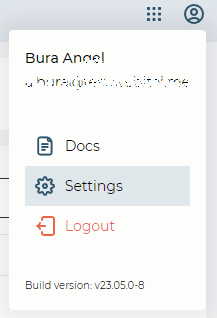
Fig. 1. User menu
Click the "Language" field and choose the required one from the drop-down list (Fig. 2).
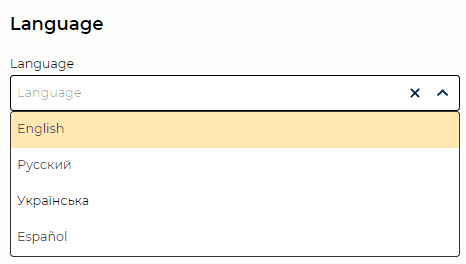
Fig. 2. Language
If you want to change the interface language, click the icon and go to Settings (Fig.1).
Fig. 1. User menu
Click the "Language" field and choose the required one from the drop-down list (Fig. 2).
Fig. 2. Language