
1. Description
The Queue gets those Agents with the necessary Skills. Skills are specified in the Skills tab.
It consists of the following elements:
-
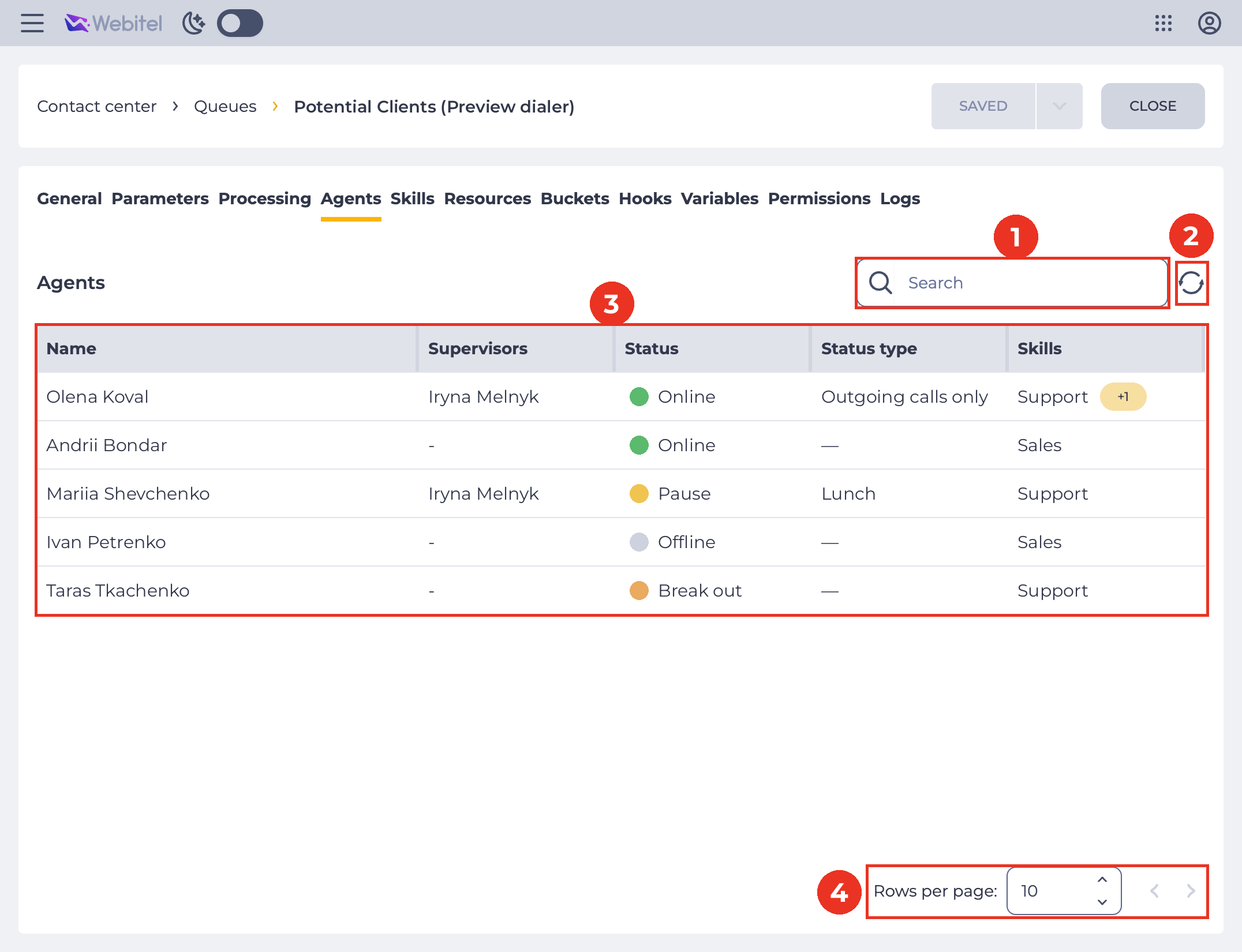
Search field (Fig. 1.(1));
-
Refresh button (Fig. 1.(2));
-
Registry (Fig. 1.(3));
-
Pagination (Fig. 1.(4)).
1.1. Search field
The search is performed on the Name column.
It consists of an input field and a close button ( 
1.2. Refresh button
Updating the register table is performed by clicking on the refresh button - 
1.3. Registry
The registry is a list of entries of existing objects in this partition, each of which consists of a set of fields:
-
Name;
-
Supervisors;
-
Status;
-
Status type;
-
Skills.
1.3.1. Name
The name of the Agent is displayed here. Clicking on an Agent's name opens that Agent's General tab.
1.3.2. Supervisors
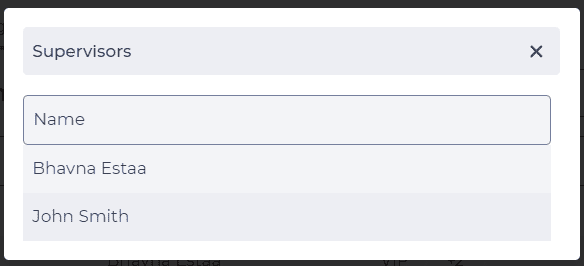
This displays the Supervisor assigned to the Agent. If there are several Supervisors, then the name of one Supervisor and the number of other Supervisors are displayed. When you click on the Supervisor's name, the Supervisors modal window (Fig. 2) opens, showing a list of Supervisors for this Agent.
1.3.3. Status
Displays the status in which the Agent was at the time of the last page refresh.
There are such statuses:
-

-

-

-

1.3.4. Status type
Displays the details of the Agent's current status:
-
in the Online status — the name of the activity type selected by the Agent (see Activity types);
-
in the Pause status — the name of the selected pause cause (see Pause causes).
For the Standard Online status, a pause without a cause, and the Offline status, a dash (—) is displayed in the column.
Entries can be sorted by this column.
1.3.5. Skills
Agent Skills are displayed.
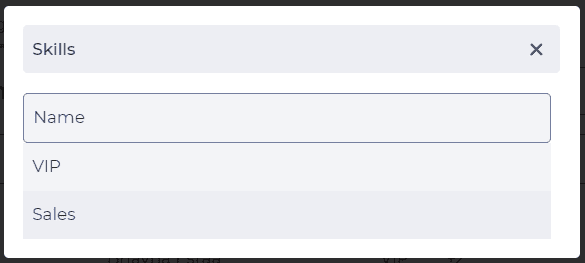
If there are several Skills, then the name of one Skill and the number of other Skills are displayed. When you click on the Skill's name, the Skills modal window (Fig. 3) opens, showing a list of Skills for this Agent.
1.4. Pagination
It consists of the Rows per page field, which indicates the number of entries (it is possible to set from 1 to 1000) per page, and forward and backward buttons for switching pages.