
1. Description
The Licenses of Webitel products are assigned to the User in this tab.
Click on the License field (Fig. 1) to select a License for the product.
-
If a custom name is specified for the license, this name is displayed in the drop-down list.
-
If a custom name is not specified, the standard product name is displayed.
A User may have Licenses for multiple products.
More information about Licenses can be found here.
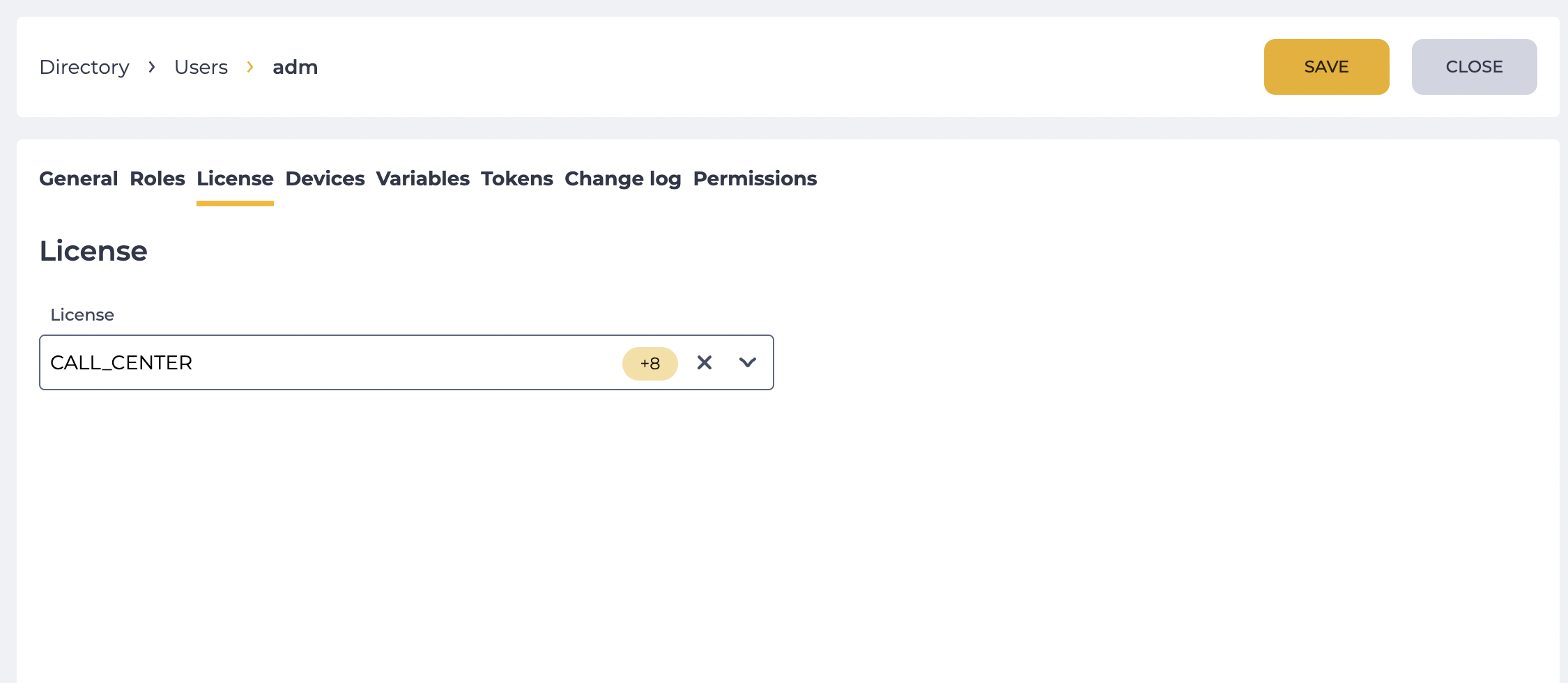
A User can be assigned a License that has free slots. The number of slots can be viewed on the Licenses page.
2. Opportunities
2.1. Assign a License to a User
|
Goal |
Assign a License to a User |
|---|---|
|
Preconditions |
|
|
Steps
|
|
|
Result |
Data saved. If multiple Licenses are selected, the License field displays one of the assigned Licenses and the number of other assigned Licenses. If there is one License selected, only that License is displayed. |
2.2 Remove the License of the User
|
Goal |
Remove the License of the User |
|---|---|
|
Preconditions |
|
|
Steps
|
|
|
Result |
Data saved. If multiple active Licenses are left, the License field displays one of the remaining Licenses and the number of other remaining Licenses. If there is only one License left, only that License is displayed. |