
1. Description
It is designed to configure reCAPTCHA.
It consists of the following elements (Fig.1):
-
Enable;
-
Site key;
-
Secret key;
-
Threshold;
-
Show reCAPTCHA badge.
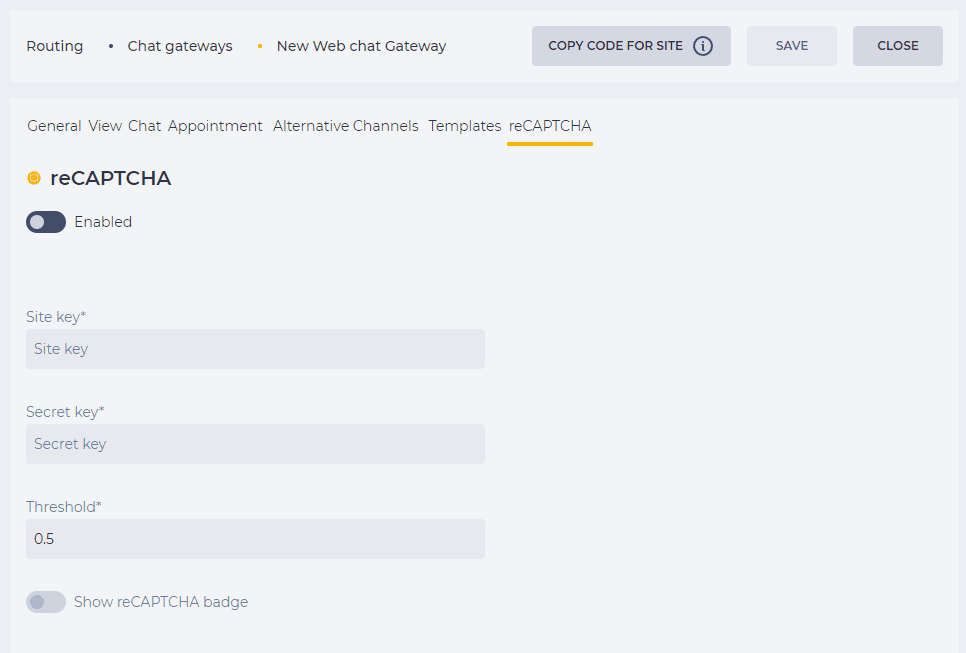
1.1. Enable
reCAPTCHA is switched on or off according to the switch position:


1.2. Site key
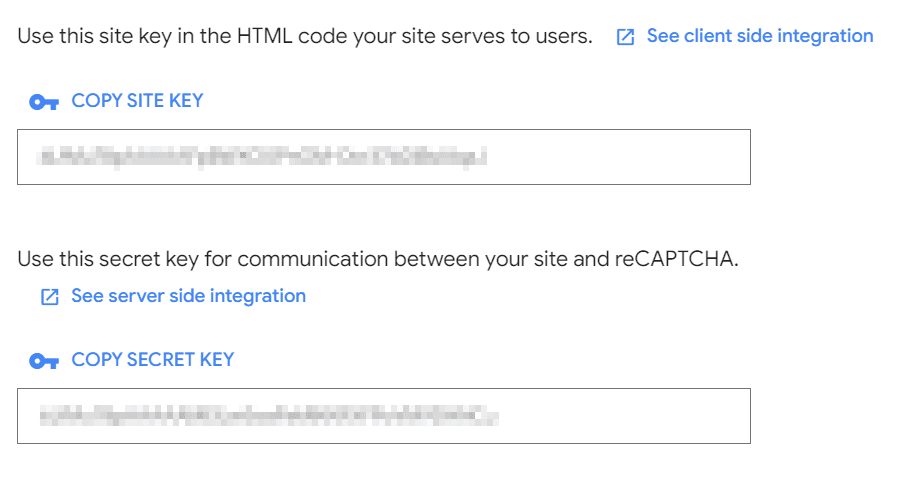
The site key is entered in this field.
Where do you get the Site Key and Secret Key?
Register reCAPTCHA v3 keys in the reCAPTCHA admin console: https://www.google.com/recaptcha/admin/create?hl=en
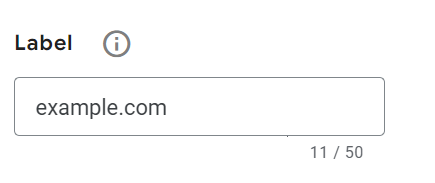
Enter a label:
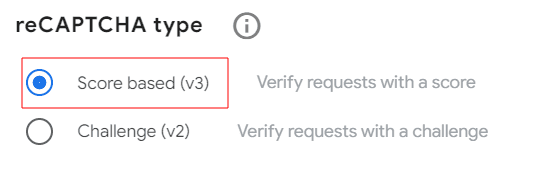
Choose the Score based (v3) in the reCAPTCHA type:
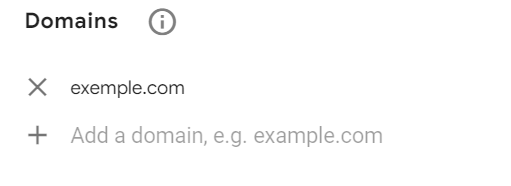
Enter a domain:
Accept the Google Cloud Platform Terms of Service, and the terms of service of any applicable services and APIs:

Click the Submit button:
Google sets up reCAPTCHA.
1.3. Secret key
The secret key is entered in this field.
If an incorrect value is entered in the key fields, this Chat gateway will display an error message (Fig.2) in all configured windows.

1.4. Threshold
This sets the skip threshold value. The recommended value is 0.5.
1.5. Show reCAPTCHA badge
The switch is responsible for displaying the reCAPTCHA icon.
