
1. Description
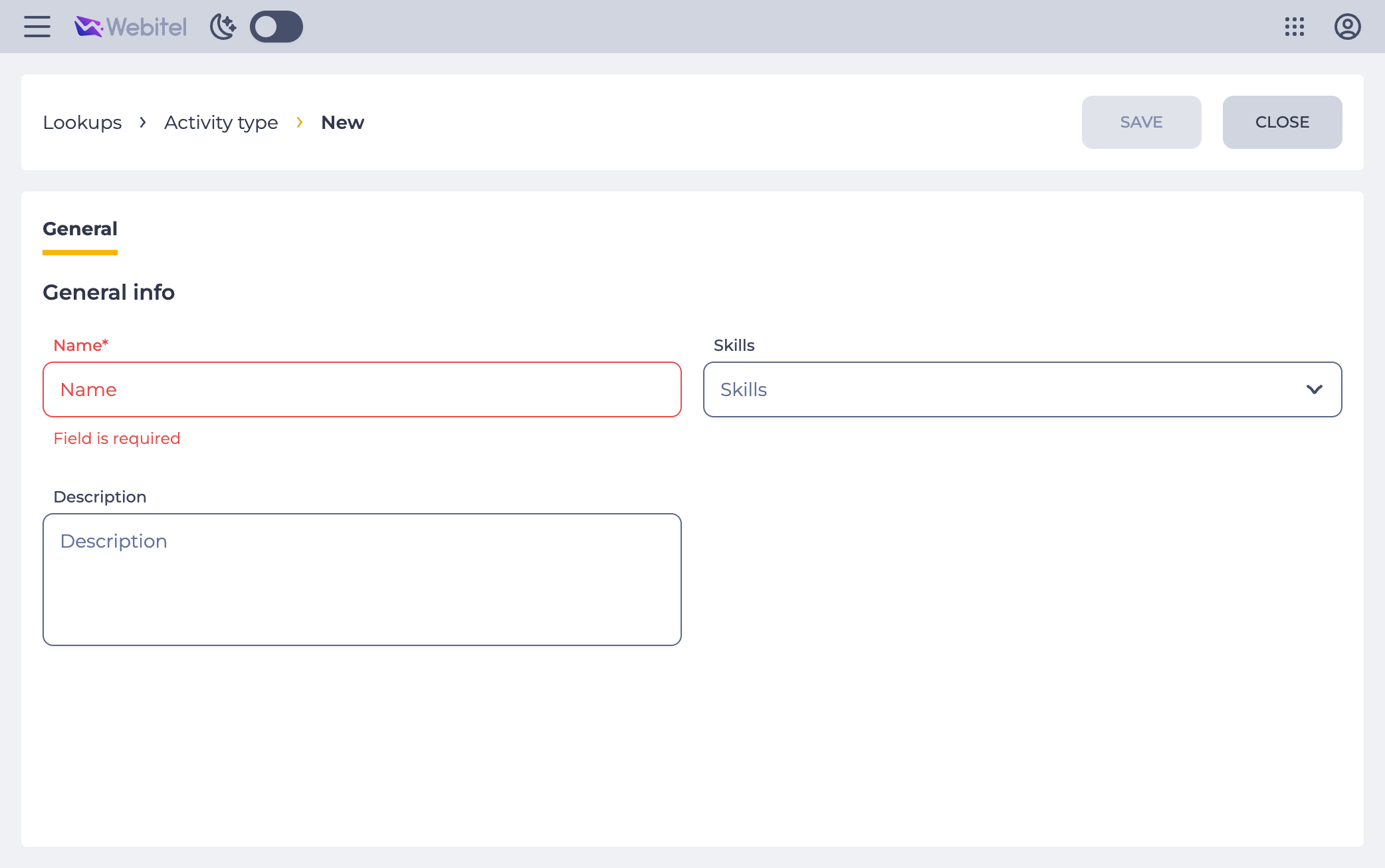
General information about the activity type is specified here.
It consists of (Fig. 1):
-
Name;
-
Skills;
-
Description.
1.1. Name
The field for entering the activity type name. Required field.
The Agent sees this name in the Please select activity type modal window when switching to the Online status in Workspace.
1.2. Skills
The field for selecting the skills the Agent will work with after selecting this activity type. You can select several skills.
The Agent will work only with those of their skills that match the skills selected in this field.
If no skills are selected, all of the Agent's skills will be inactive in this activity type, and the Agent will not process queues.
For more details, see Agent Skills.
1.3. Description
The field for entering the activity type description. Optional field.
2. Opportunities
2.1. Change or set parameters
|
Goal |
Change or set parameters |
|---|---|
|
Preconditions |
|
|
Steps |
|
|
Result |
Data saved. |