
1. Description
This section contains general information about the custom lookup.
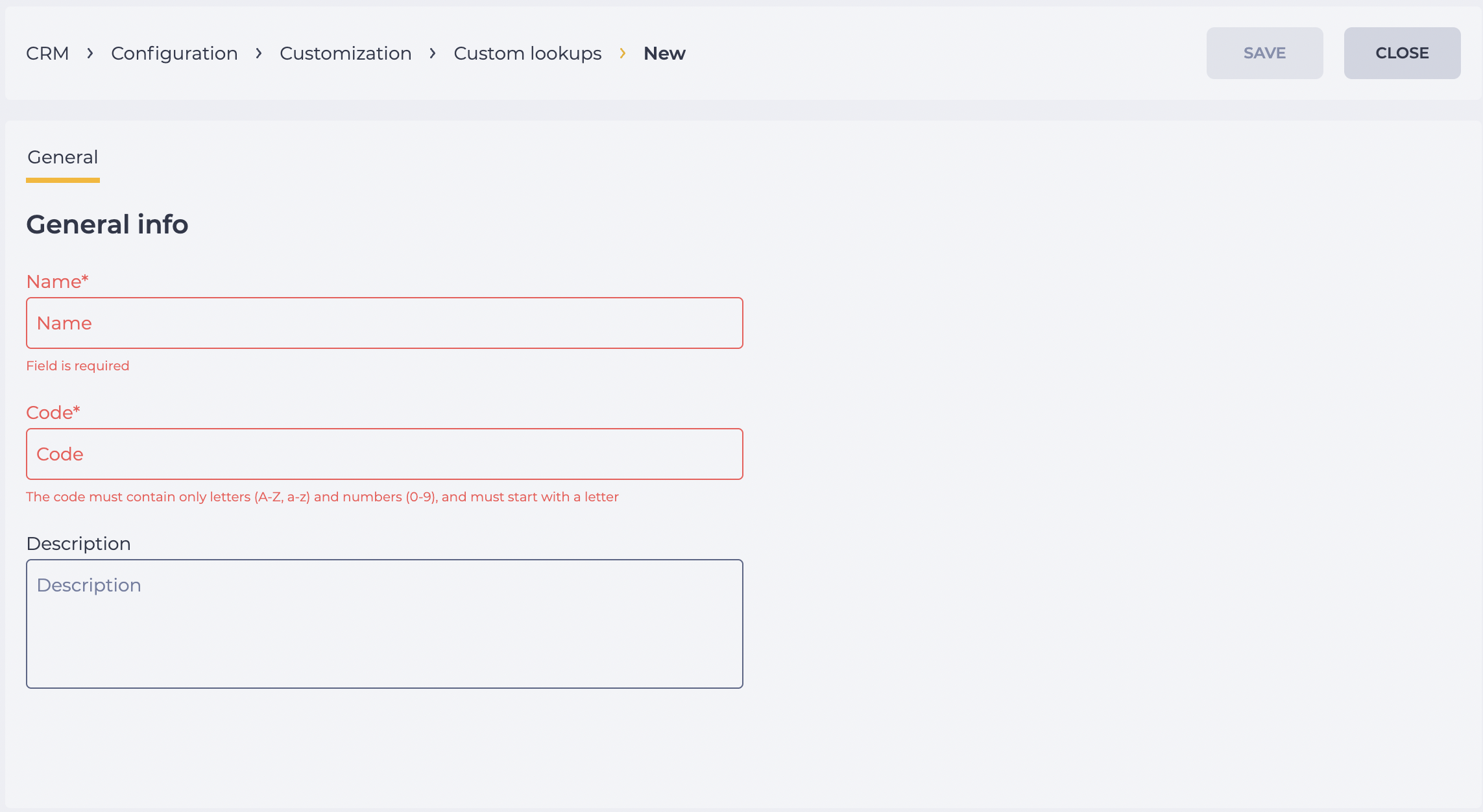
It consists of the following fields (Fig. 1):
-
Name field;
-
Code field;
-
Description field;
-
Save button;
-
Close button.
1.1. Name field
A required field used to enter the lookup name.
The name appears in the Custom lookups registry in CRM → Configuration → Lookups and is also used throughout the system wherever this lookup is applied.
1.2. Code field
A unique identifier of the lookup. This is a required field.
The code may contain only Latin letters (A–Z, a–z) and digits (0–9) and must start with a letter.
It is used for internal system processes.
1.3. Description field
An optional field used to provide additional information about the lookup.
1.4. Save button
After making changes, click the Save button. Changes are not saved unless the button is pressed.
1.5. Close button
The Close button ends work with the section and returns the user to the Custom lookups menu.
2. Opportunities
2.1. Creating or editing a lookup
|
Goal |
Create or edit a lookup |
|---|---|
|
Preconditions |
|
|
Steps:
|
|
|
Result |
The data is saved. |