
1. Description
Designed to configure the correspondence between the provider's token fields and Webitel user attributes, by which the search is performed during SSO authorization.
After clicking the add icon 
-
Key field;
-
Value field;
-
Delete tool.
.png?cb=a28463f0ebb5e7811b72ee2a69495934)
1.1. Key field
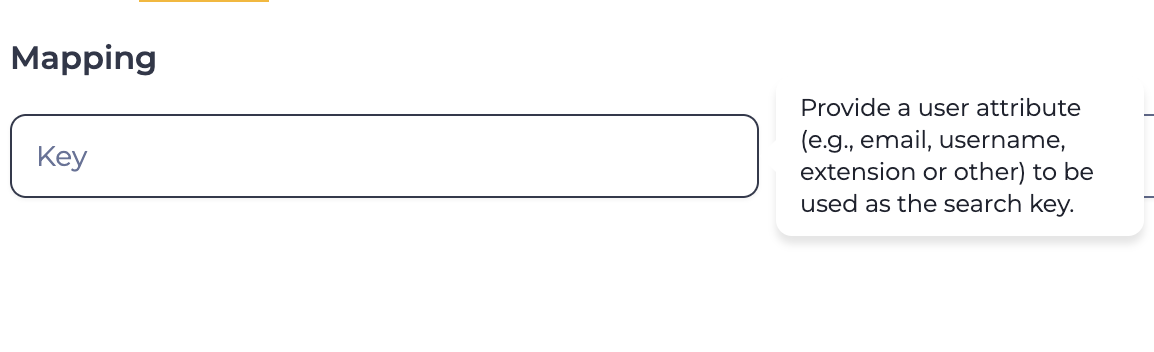
Optional field. Specifies the name of the Webitel user attribute (e.g., email, username, extension) by which the user will be searched for during SSO authorization.
A hint text is displayed while entering a value (Fig. 2).
1.2. Value field
Optional field. Specifies the field from the provider's token in the format {{.preferred_username}}.
1.3. Delete tool
Deletes the Key and Value field pair it's positioned next to.
2. Opportunities
2.1. Modify or Set Parameters
|
Goal |
Modify or set parameters |
|---|---|
|
Preconditions |
|
|
Steps:
|
|
|
Result |
Data is saved. |