
1. Description
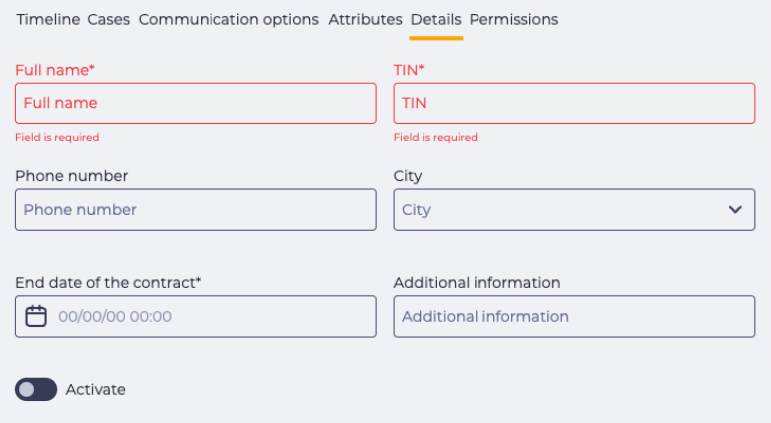
Used to display and edit configurable fields (Fig. 1).
The tab appears only if at least one custom field has been added in the Contact card configuration.
1.2. Registry
The registry displays all fields configured in the Contact settings:
-
Field name;
-
Field type (text, number, single choice, multi choice, date, boolean);
-
Value entered by the user (if any).
The position of the fields is determined by the order set in the configuration.
1.3. Tab Behavior
1.3.1. Edit Conditions
The user must have permissions to edit the Contact.
1.3.2. “Save” Button
Displayed only on the “Details” tab and only for users with the appropriate permissions.
-
If no permissions are granted, the tab is available in view-only mode: fields are inactive, and the button is hidden.
-
If permissions are granted, the tab opens in edit mode: fields are active, and the button appears.
The “Save” button becomes active only after at least one field value is changed.