1. Description
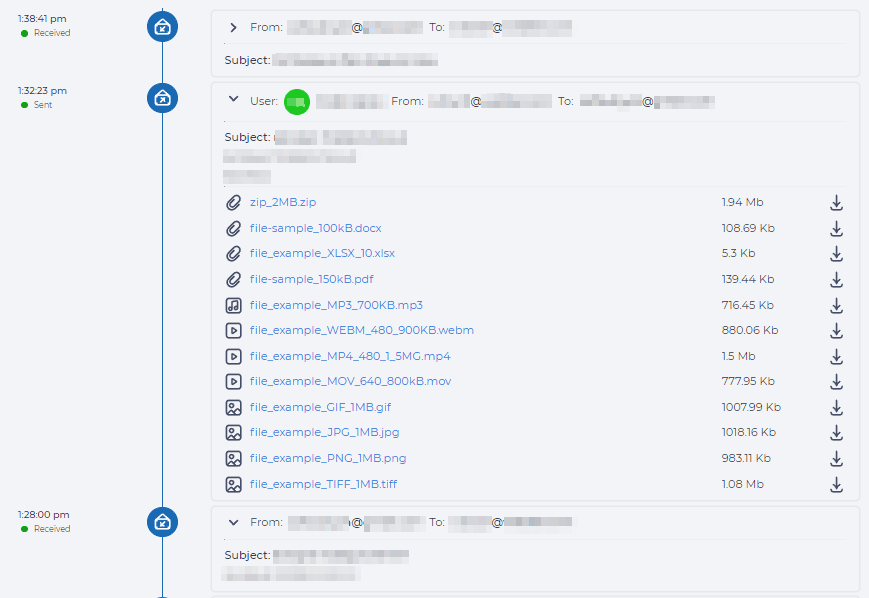
The chronology of communications with the contact is displayed here (Fig. 1).
1.1. Top Menu
The top menu displays the following:
-
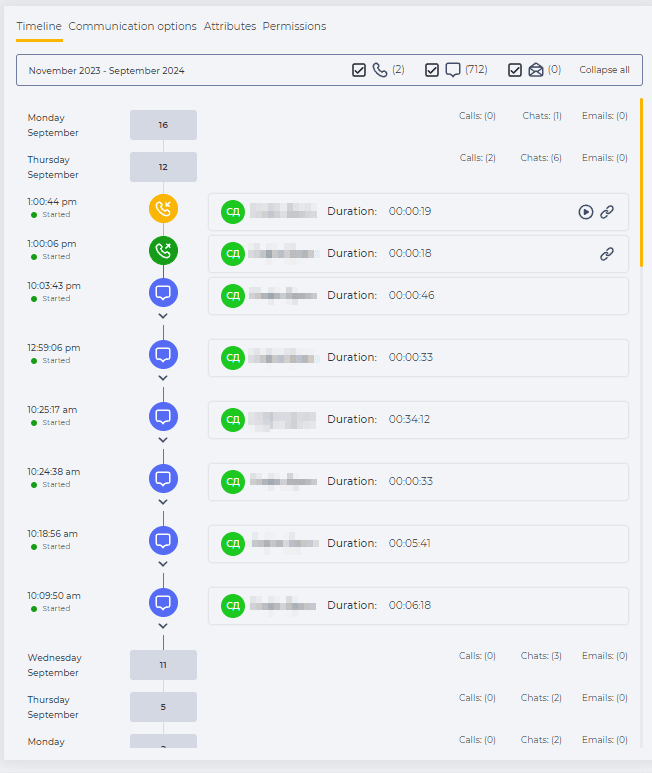
period for which the data is displayed (Fig. 2(1));
-
filters by communication types in the form of checkboxes (Fig. 2(2)):
-

-

-

The number of entries of this communication type is indicated in brackets;
-
-
button Collapse all — collapses data by days (Fig. 2(3)).

1.2. Communication history
The entries are displayed by days.
If you click on the date of the month, the list of communications that were with this Contact on this day is minimised/expanded.
1.2.1. Calls



It consists of the following elements:
-
Play/Pause button (Fig. 3(1));
-
File playback track (Fig. 3(2));
-
File playback volume control tool (Fig. 3(3));
-
Settings button — used to set the file playback speed (Fig. 3(4));
-
File download tool (Fig. 3(5));
-
Close button (Fig. 3(6)).

.png?cb=132b42f880a2eeb5b5abde134cbbacc7)

The table consists of these columns:
-
Time — indicates the time interval in which the phrase was spoken. The count is in milliseconds, where 0 is the beginning of the conversation;
-
Channel — indicates by whom the phrase was spoken;
-
Text — the phrase that was spoken.

1.2.2. Chats


If the message is long, pressing 
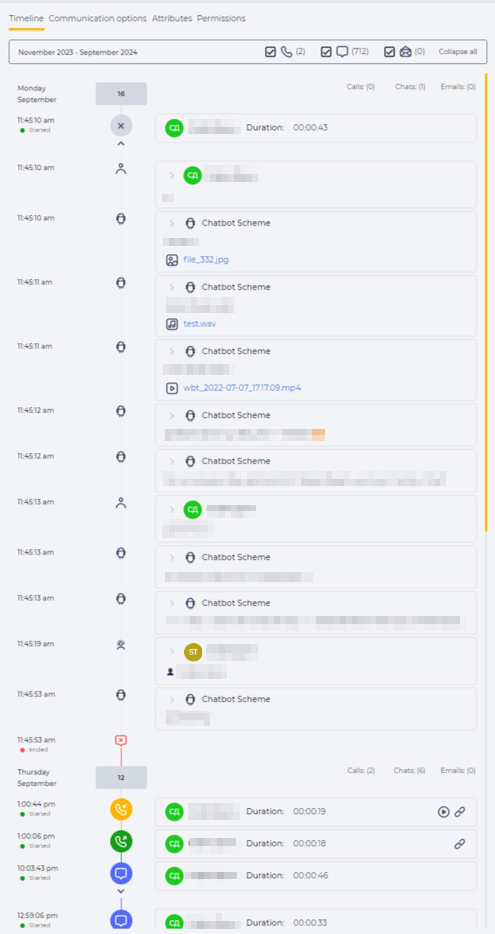
Attached files in a message, depending on the format, are divided into:


1.2.3. Emails


If the email contains attached files, the file name will be displayed along with an icon depending on the file type (Fig. 6). Clicking on the file name opens the file in a new tab.