
1. Description
General information is specified here.
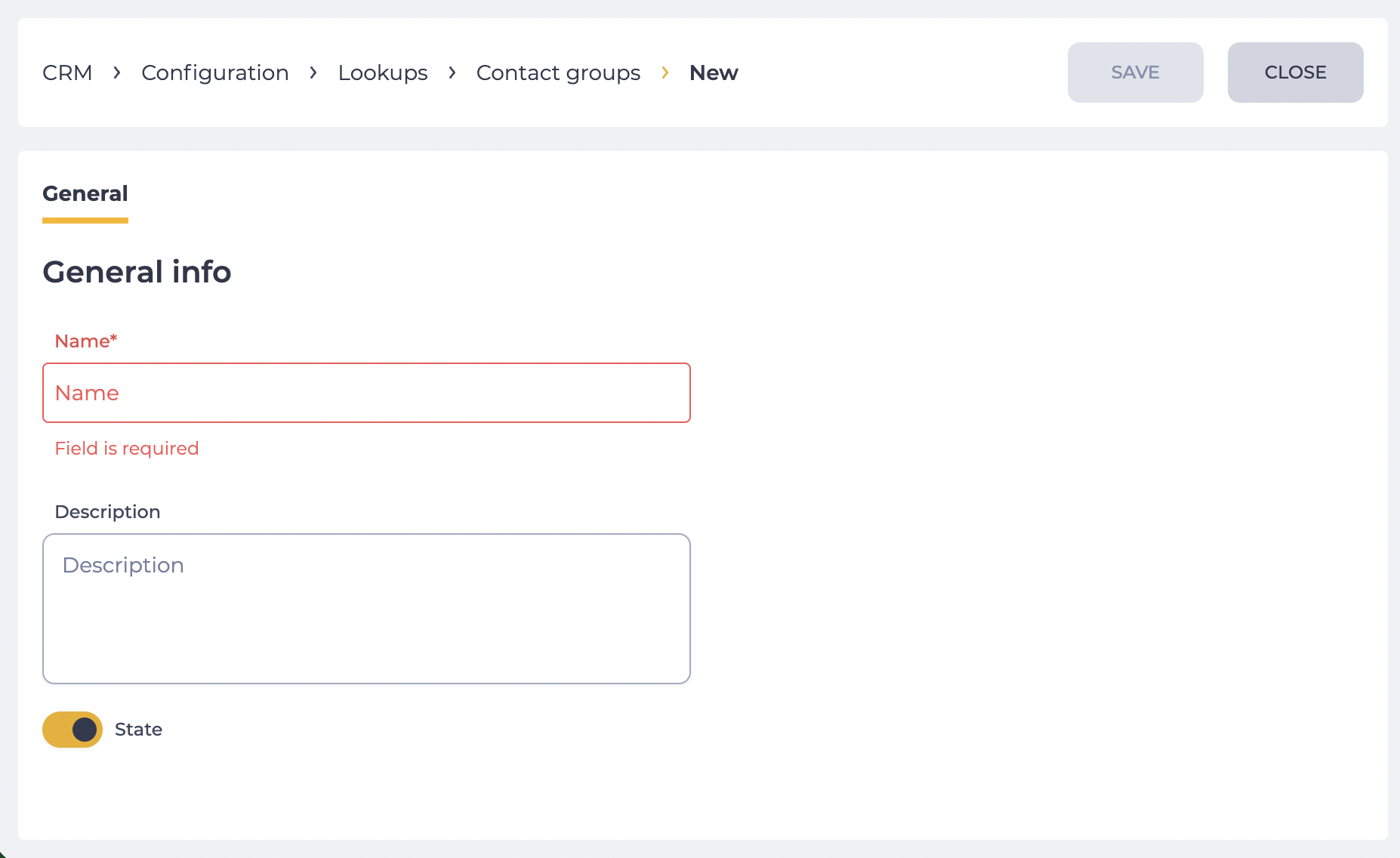
The section consists of the following fields (Fig. 1):
-
Name field;
-
Description field;
-
State switch.
1.1. Name field
A field for entering the name. This is a required field.
1.2. Description field
A field for entering the description of the status.
1.3. State switch
The switch controls the group state — enabled or disabled. Only active groups can be used when selecting a group.
2. Opportunities
2.1. Modify or set parameters
|
Goal |
Modify or set parameters |
|---|---|
|
Preconditions |
|
|
Steps: |
|
|
Result |
The data is saved. |