
1. Description
A scheme in which a greeting is played (IVR-menu) with the ability to redial a number. If the subscriber has entered an extension number, redirect it to it; if not, redirect it to the default number or queue.
1.1. Redirect to number
An example flow can be seen in Figure 1.
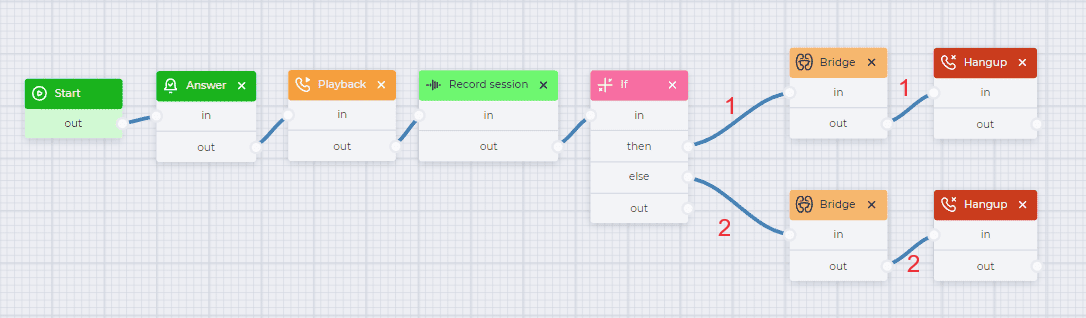
Fig. 1. Incoming call flow with additional dialing and redirect to a specific number
For convenience, you can download the completed JSON file, which is attached below, and import it.
1.1.1 Flow description
|
Component |
Block of component |
Component parameters |
Description |
|---|---|---|---|
|
Start |

|
|
Start component |
|
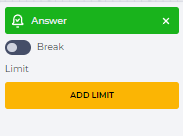
Answer |
|
|
Connect subscriber to the system |
|
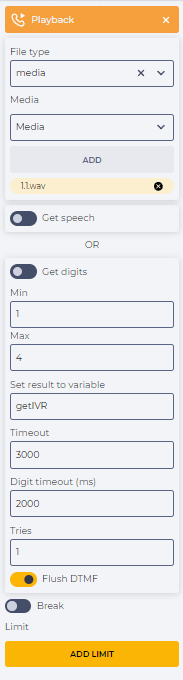
Playback |
|
|
Play sound file at the start of a conversation |
|
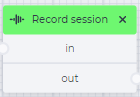
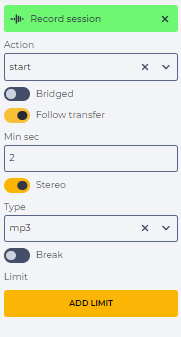
Record session |
|
|
Record a call from its start and after redirect into two channels in mp3 format. |
|
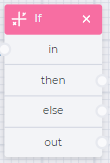
If |
|
|
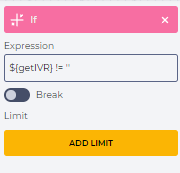
Check if there was an additional set. Checking conditions - |
|
Bridge (branch 1) |
|
|
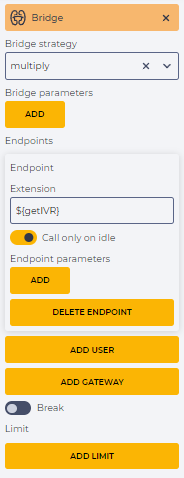
Connect to the number that was selected in the extension dial |
|
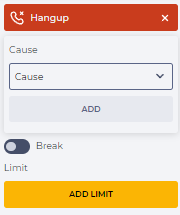
Hangup (branch 1) |
|
|
End a call |
|
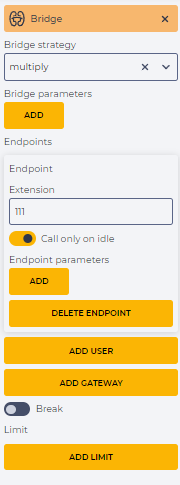
Bridge (branch 2) |
|
|
To connect to the default number (111). |
|
Hangup (branch 2) |
|
|
End a call |
1.2. Redirect to the queue
An example flow can be seen in Figure 2.
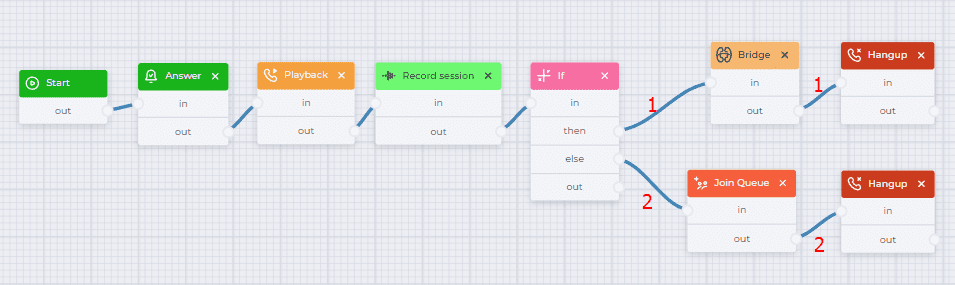
Fig. 2. Incoming call flow with additional dialing and redirect to the queue
For convenience, you can download the completed json file, which is attached below, and import it.
Incoming call flow with additional dialing and redirect to the queue.json
1.2.1.Flow description
|
Component |
Block of component |
Component parameters |
Description |
|---|---|---|---|
|
Start |
|
|
Start component |
|
Answer |
|
|
Connect subscriber to the system |
|
Playback |
|
|
Play sound file at the start of a conversation |
|
Record session |
|
|
Record a call from its start and after redirect into two channels in mp3 format. |
|
If |
|
|
Check if there was an additional set. Checking conditions - ${getIVR} != '' |
|
Bridge (branch 1) |
|
|
Connect to the number that was selected in the extension dial |
|
Hangup (branch 1) |
|
|
End a call |
|
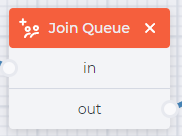
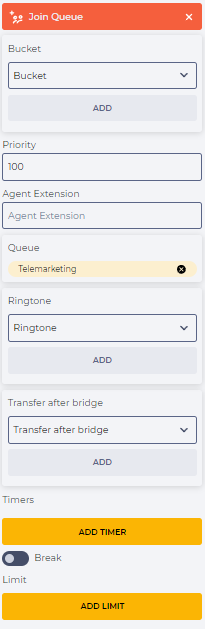
Join Queue (branch 2) |
|
|
Redirect the subscriber to the "Telemarketing" queue |
|
Hangup (branch 2) |
|
|
End a call |