1. Description
Flow for the ability to make outgoing calls.
1.1. Flow example
An example flow can be seen in Figure 1.

Fig. 1. Flow of an outgoing call
For convenience, you can download the completed json file, which is attached below, and import it.
1.1.1. Flow description
|
Component |
Block of component |
Component parameters |
Description |
|---|---|---|---|
|
Start |
|
|
Start component |
|
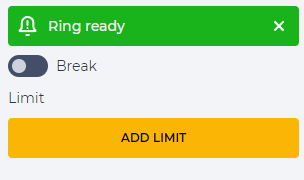
Ring ready |
|
|
Beeps generation |
|
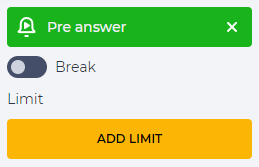
Pre answer |
|
|
The ability to play an early media file when we can already play something in the channel, but there is still no answer. What will be played is set in the "Ringback" component, section "At Call" |
|
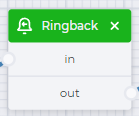
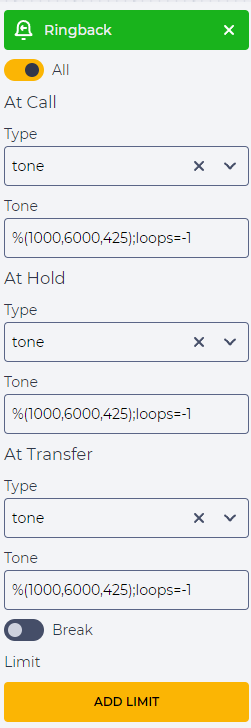
Ringback |
|
|
Set up beeps or media file. Selected tone - %(1000,6000,425);loops=-1 |
|
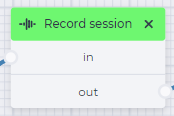
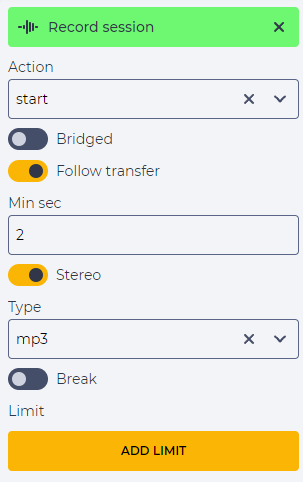
Record session |
|
|
Allows you to record a telephone conversation |
|
Bridge |
|
|
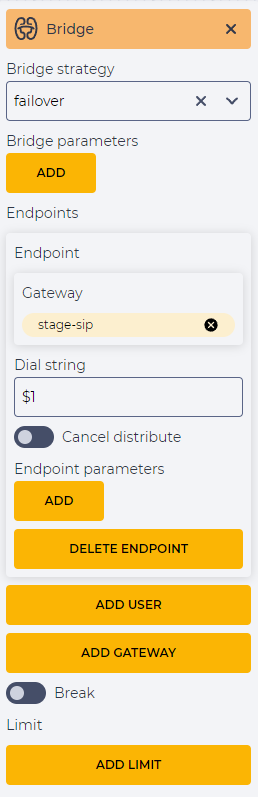
Connect to a subscriber This requires:
|
|
Hangup |
|
|
End the call |