
1. Description
Example of a dynamic page (Form) for call processing.
Task
Create a dynamic page for call processing that displays the following:
-
a text message for the Agent to start a conversation with the Subscriber;
-
call classification;
-
display of the text message depending on the classification;
-
add the Subscriber to the Queue for a repeat call;
-
leave Agent comments about the call.
1.1. Flow example
An example flow can be seen in Figure 1.
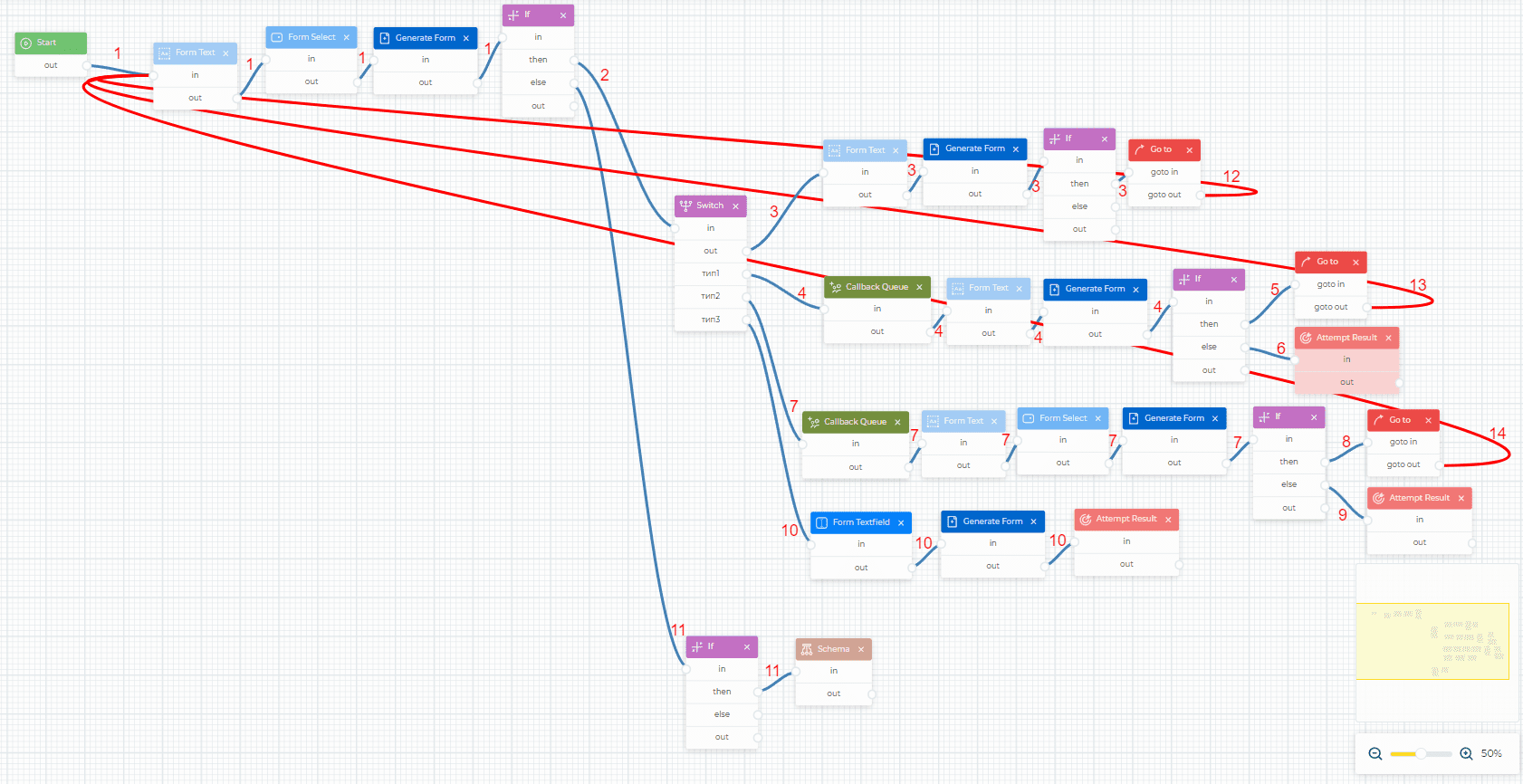
Fig. 1. Sending an email
For convenience, you can download the completed JSON file, which is attached below, and import it.
1.1.1. Flow description
|
Component |
Block of component |
Component parameters |
Description |
Displayed |
|---|---|---|---|---|
Branch 1
|
||||
|
Start |
|
|
Start component |
|
|
|
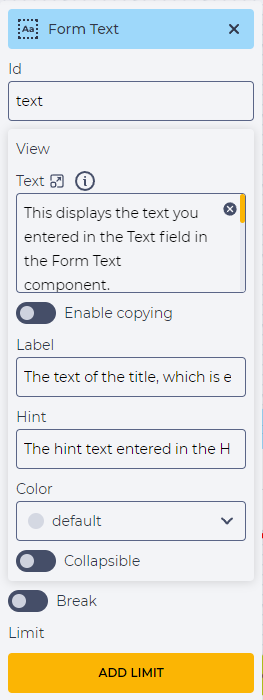
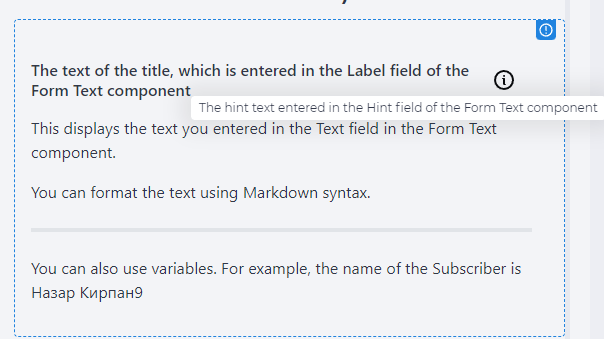
To display information on the page. This requires:
|
|
|
|
|
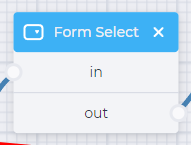
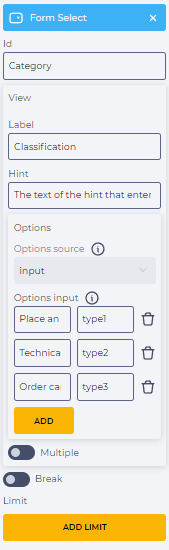
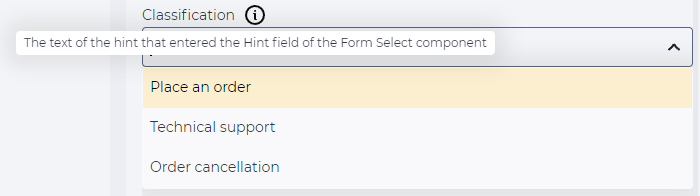
To add a dropdown list to the dynamic window. This requires:
|
|
|
|
|
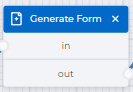
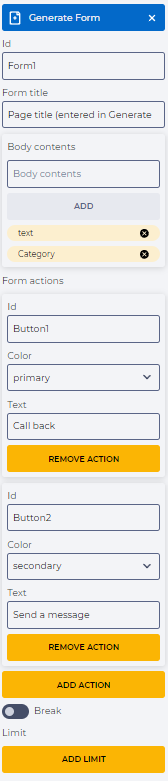
Create a form based on pre-built elements. This requires:
|
Unknown Attachment |
|
|
|
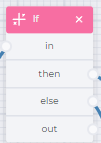
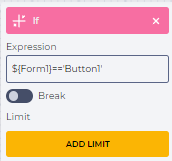
Check if the Call back button is clicked. To do this, in the Expression field, enter |
|
|
Branch 2
|
||||
|
|
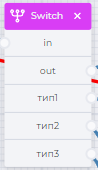
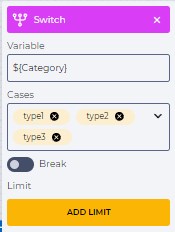
Branches the diagram by the choices in the drop-down list. This requires:
|
|
|
Branch 3
|
||||
|
|
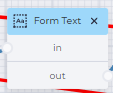
To display information on the page. This requires:
|
Unknown Attachment |
|
|
|
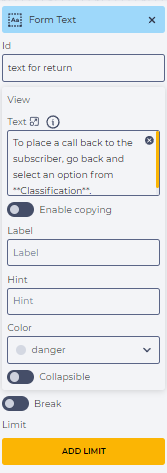
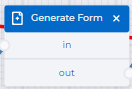
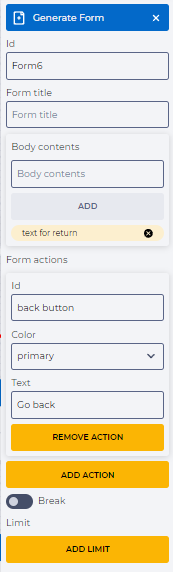
Create a form based on pre-built elements. This requires:
|
Unknown Attachment |
|
|
|
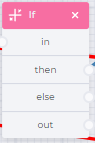
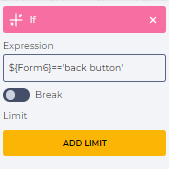
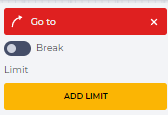
Check if the To do this, in the Expression field, enter |
|
|

|
|
Additional transition to the Form Text component (Branch 12) |
|
|
Branch 4
|
||||
|
|
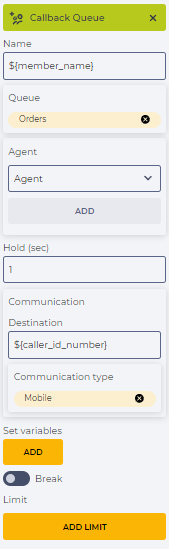
Create a callback. This requires:
|
|
|
|
|
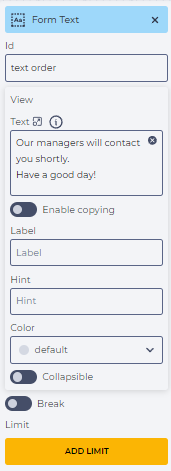
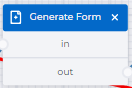
To display information on the page. This requires:
|
Unknown Attachment |
|
|
|
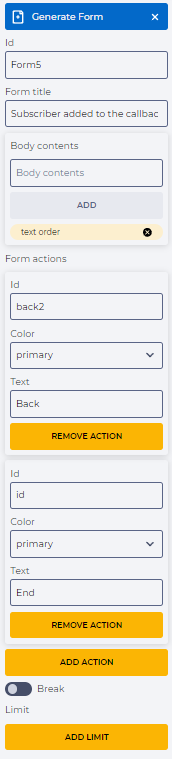
Create a form based on pre-built elements. This requires:
|
Unknown Attachment |
|
|
|
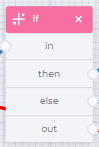
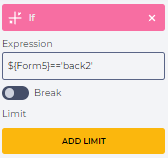
Check if the Back button is clicked. To do this, in the Expression field, enter |
|
|
Branch 5
|
||||

|
|
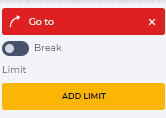
Additional transition to the Form Text component (Branch 13) |
|
|
Branch 6
|
||||
|
|
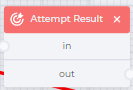
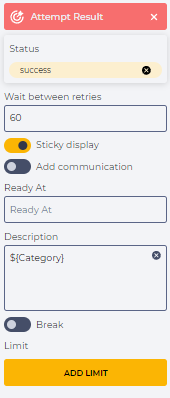
Leaves a message in the call history for a specific call status. This requires:
|
|
|
Branch 7
|
||||
|
|
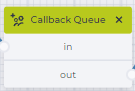
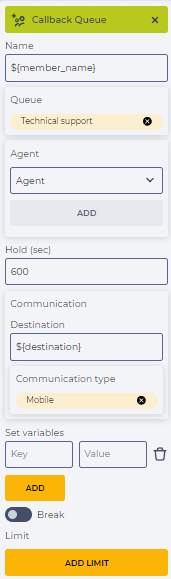
Create a callback. This requires:
|
|
|
|
|
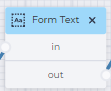
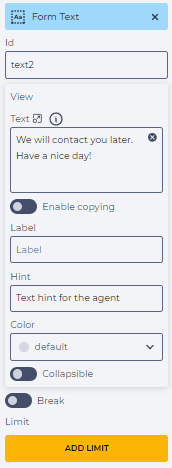
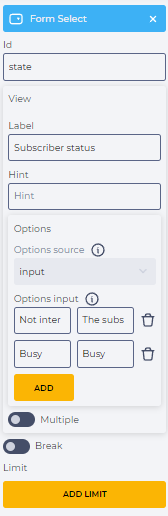
To display information on the page. This requires:
|
Unknown Attachment |
|
|
|
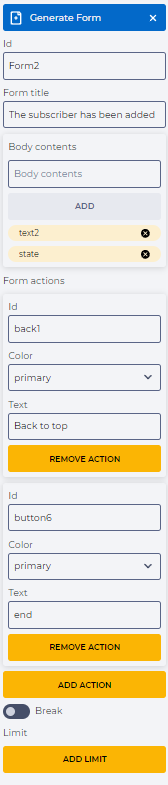
To add a dropdown list to the dynamic window. This requires:
|
Unknown Attachment |
|
|
|
Create a form based on pre-built elements. This requires:
|
Unknown Attachment |
|
|
|
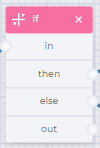
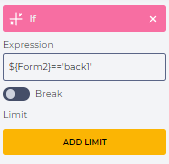
Check if the Back to top button is clicked. To do this, in the Expression field, enter |
|
|
Branch 8
|
||||

|
|
Additional transition to the Form Text component (Branch 14) |
|
|
Branch 9
|
||||
|
|
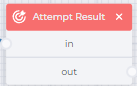
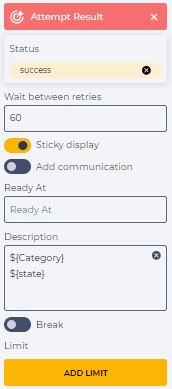
Leaves a message in the call history for a specific call status. This requires:
|
|
|
Branch 10
|
||||
|
|
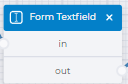
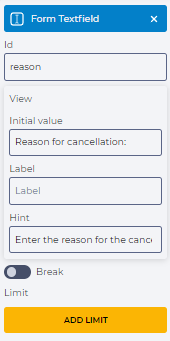
To create a text entry field for the Agent. This requires:
|
Unknown Attachment |
|
|
|
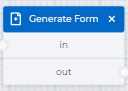
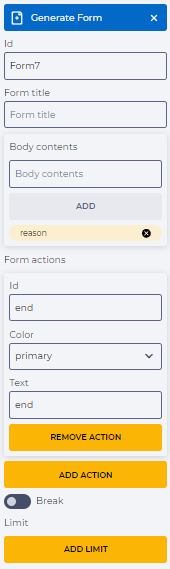
Create a form based on pre-built elements. This requires:
|
Unknown Attachment |
|
|
|
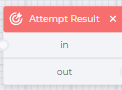
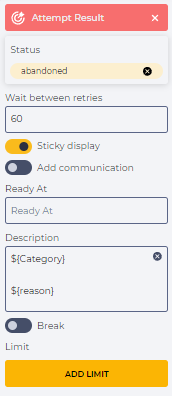
Leaves a message in the call history for a specific call status. This requires:
|
|
|
Branch 11
|
||||
|
|
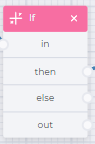
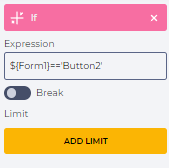
Check if the Send a message button is clicked. To do this, in the Expression field, enter |
|
|

|
|
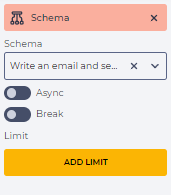
To call a Flow schema that will be used as a sub-schema for sending an email. To do this, in the Schema field, select the previously created scheme for sending an email - |
|
|